Ananya Rajora

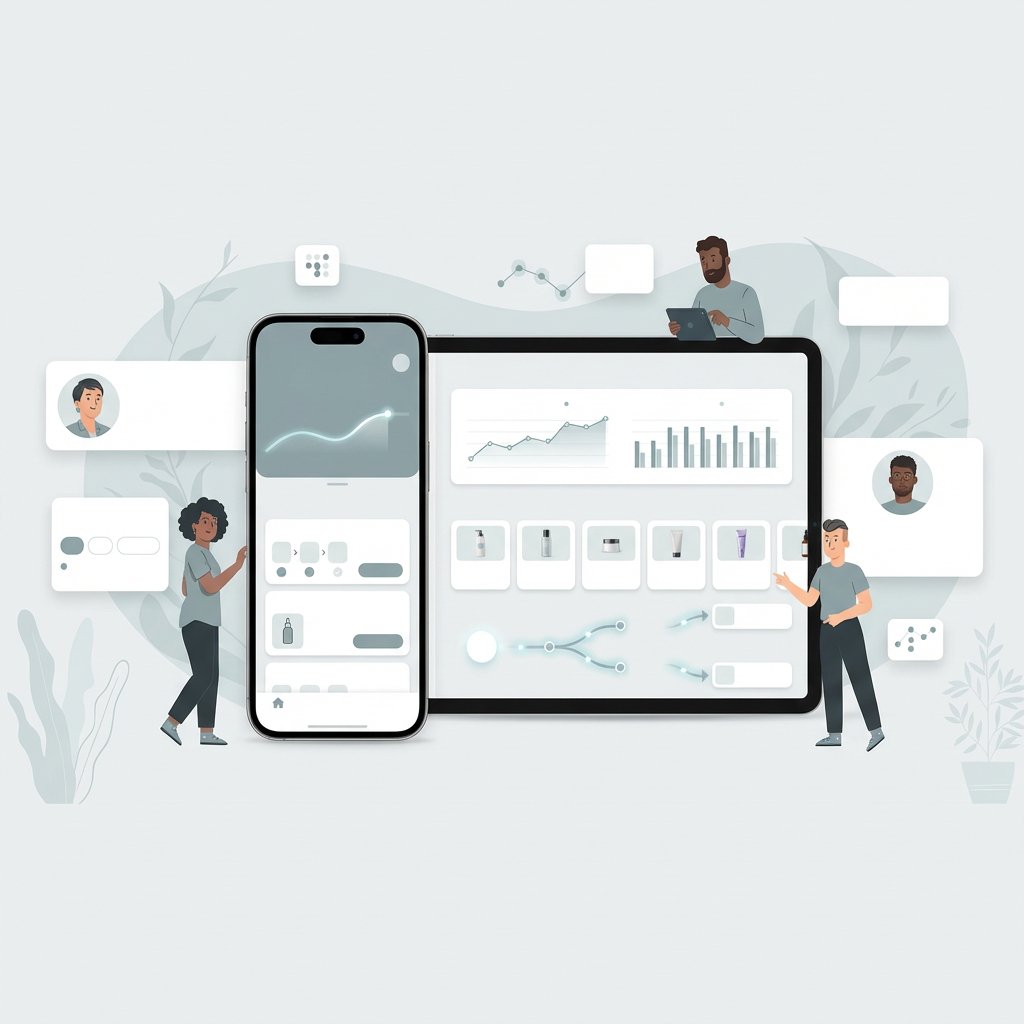
Illustration of a smartphone and tablet displaying the SkinTwin app with skincare tracking charts and progress data

AImpower.org

SkinTwin – Personalized Skincare Routine Management

Skincare Dashboard with Digital Twin Simulation

This project explores how college students navigate skincare decisions in an environment filled with conflicting advice and overwhelming product choices. Using mixed-methods research, the work translates behavioral insights into a mobile experience that analyzes skin concerns, recommends personalized products, and visualizes potential outcomes through a digital twin simulation.

affinity mapping

personas

high-fidelity prototyping

Duration

Aug 2025 – Dec 2025


Role

UX Researcher and Designer

Key skills

Mixed-methods research, affinity mapping, personas, information architecture, interaction design, high-fidelity prototyping, usability testing, heuristic evaluation

Quick Snapshot

Who

College students with skin concerns who feel overwhelmed by online skincare information and product choices.

What

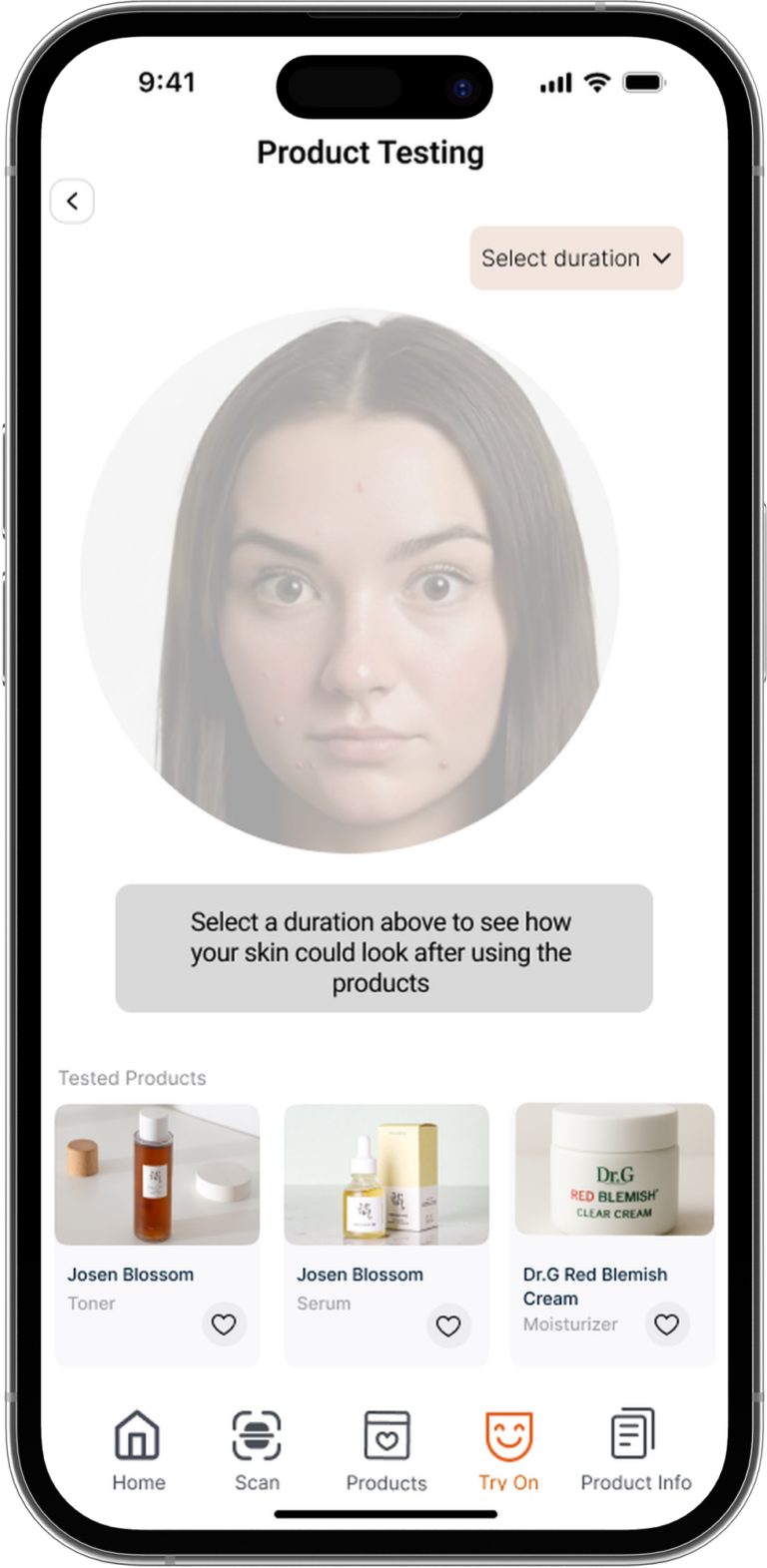
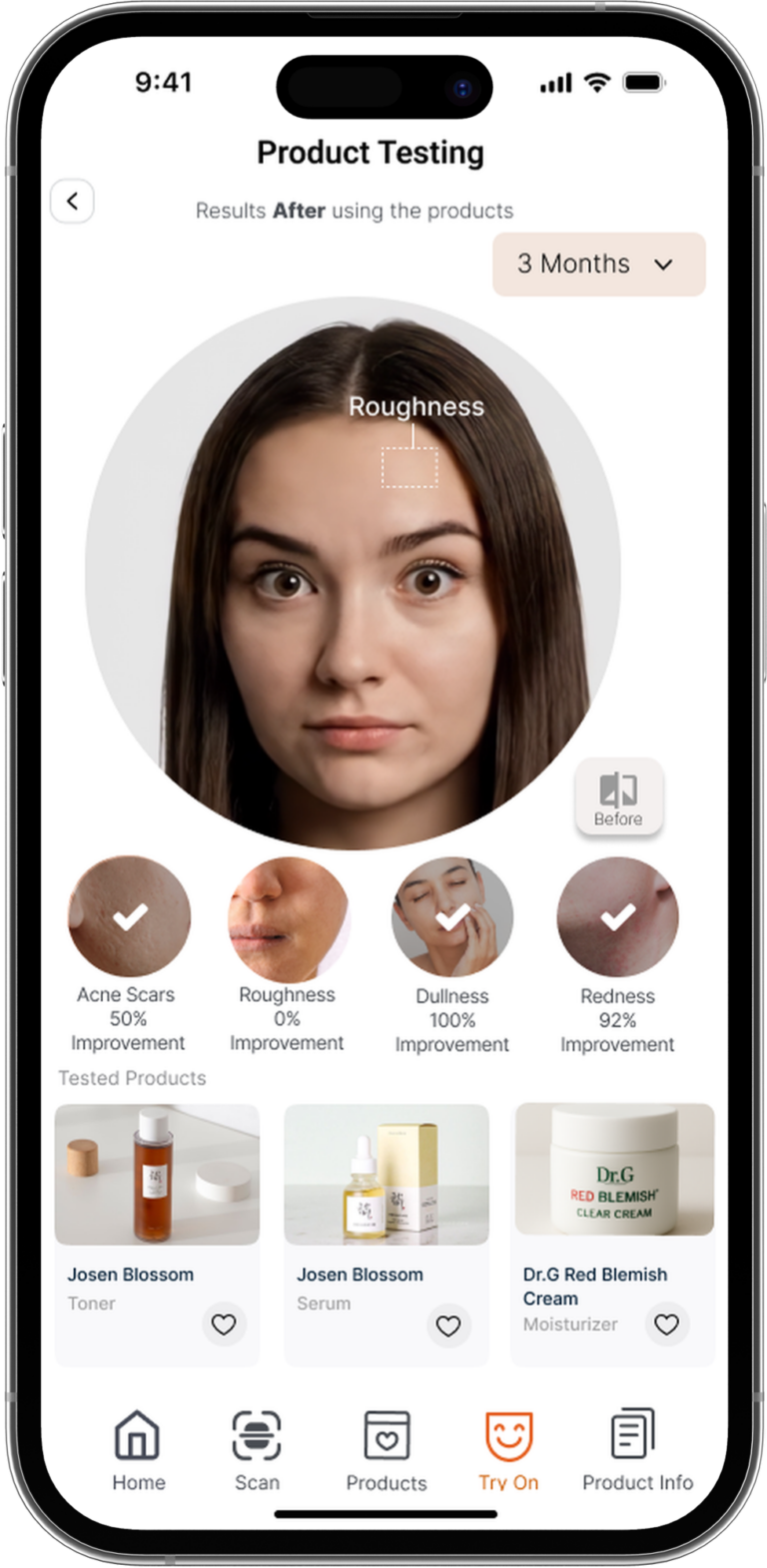
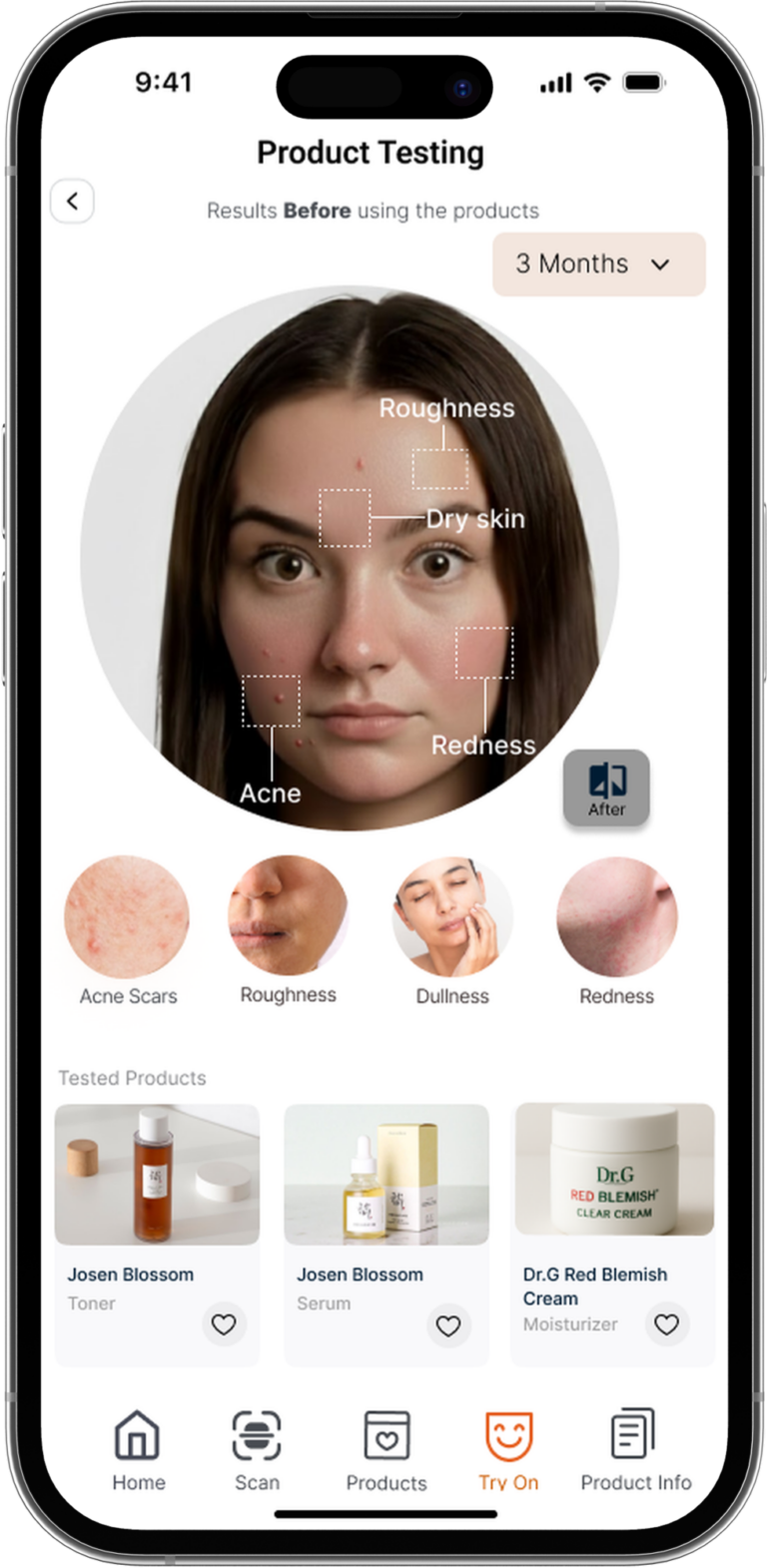
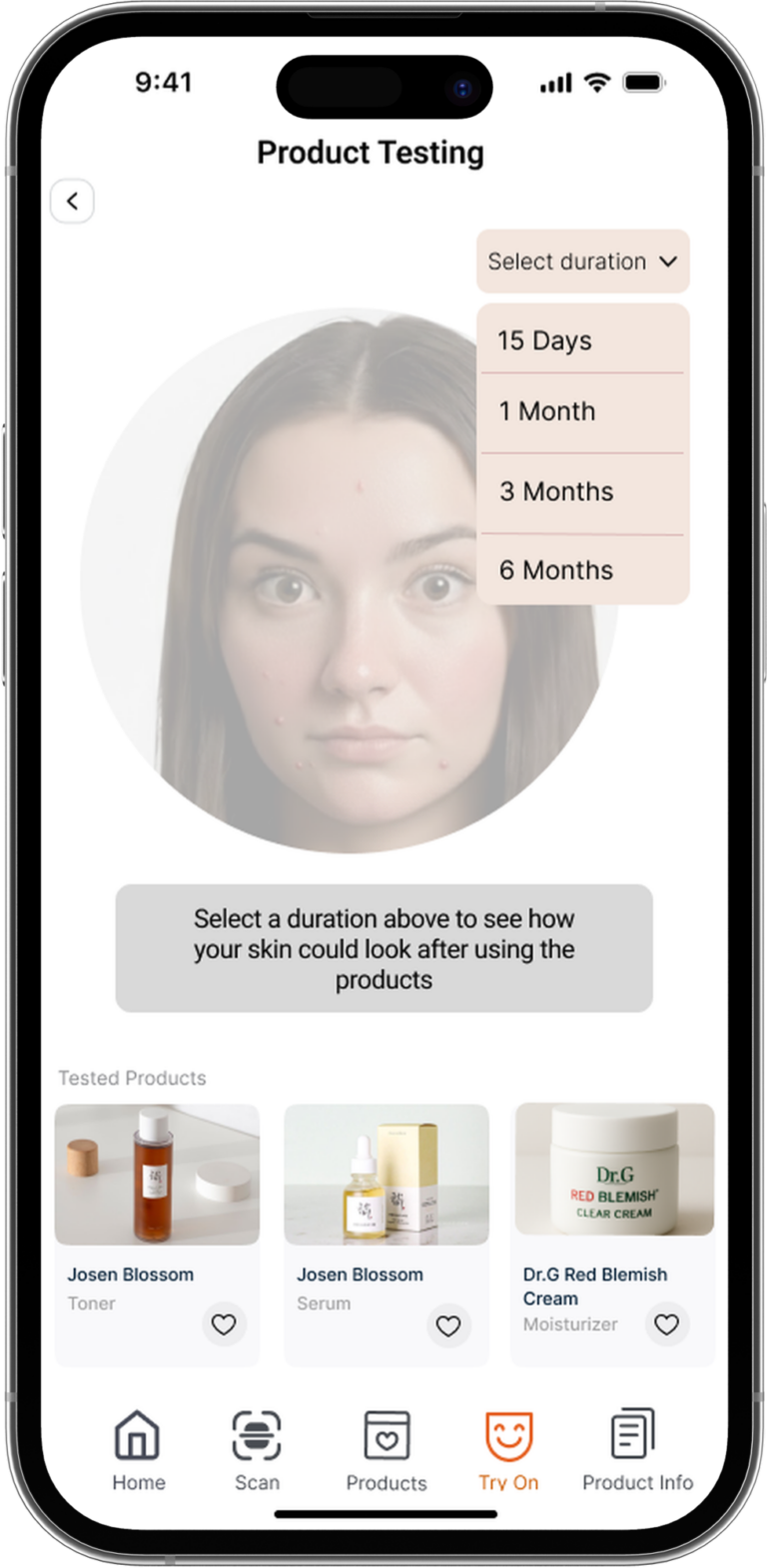
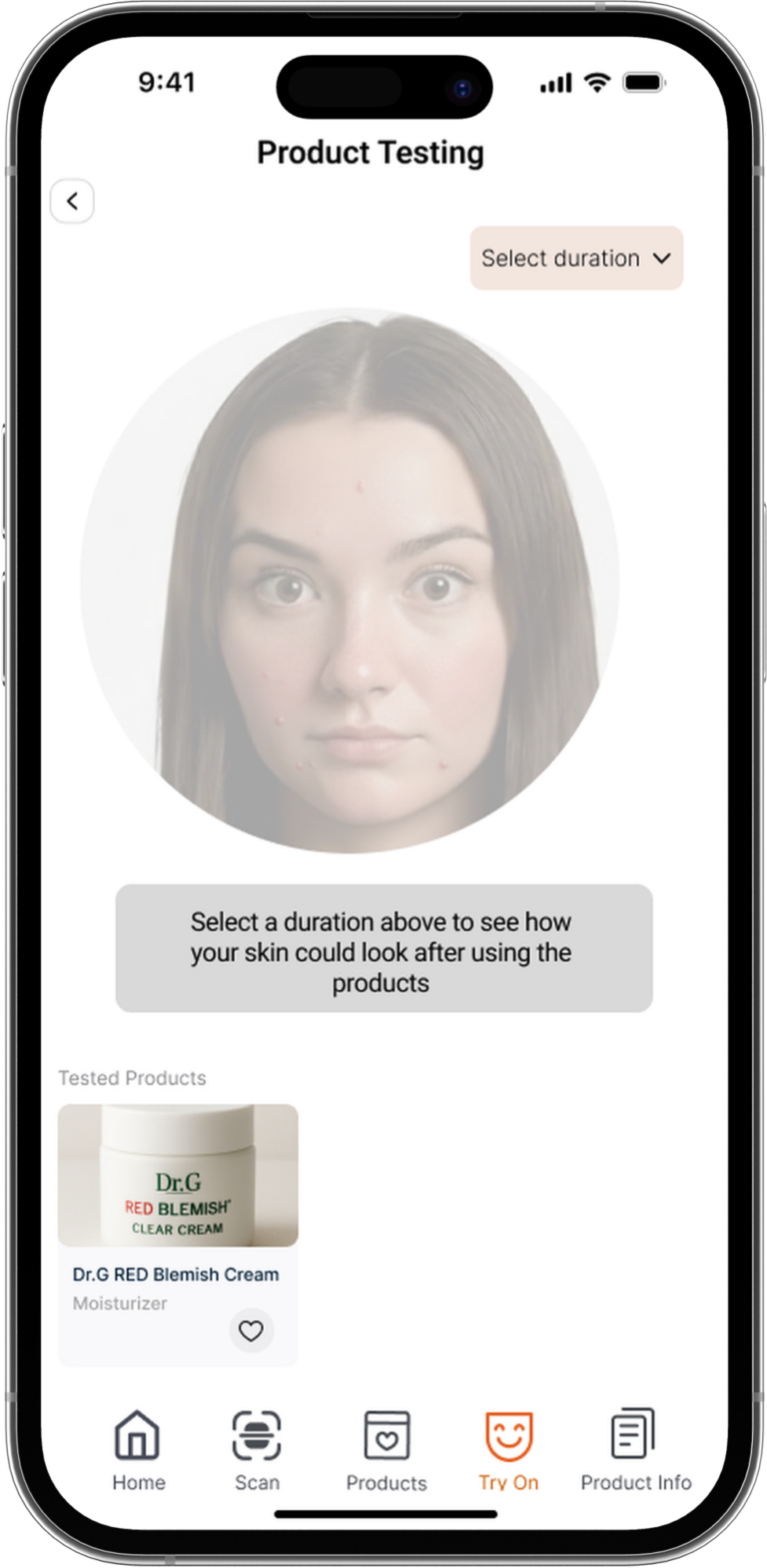
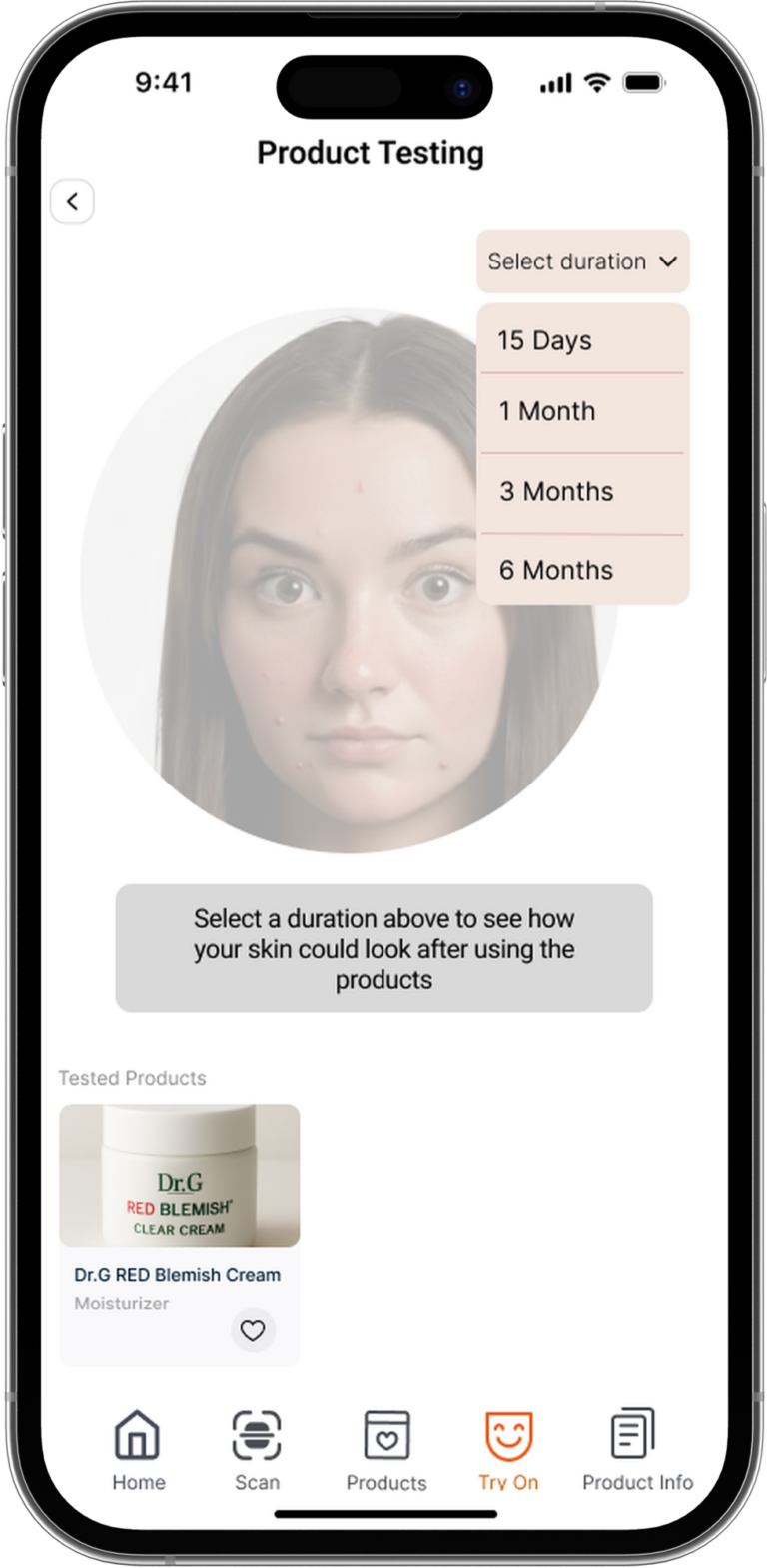
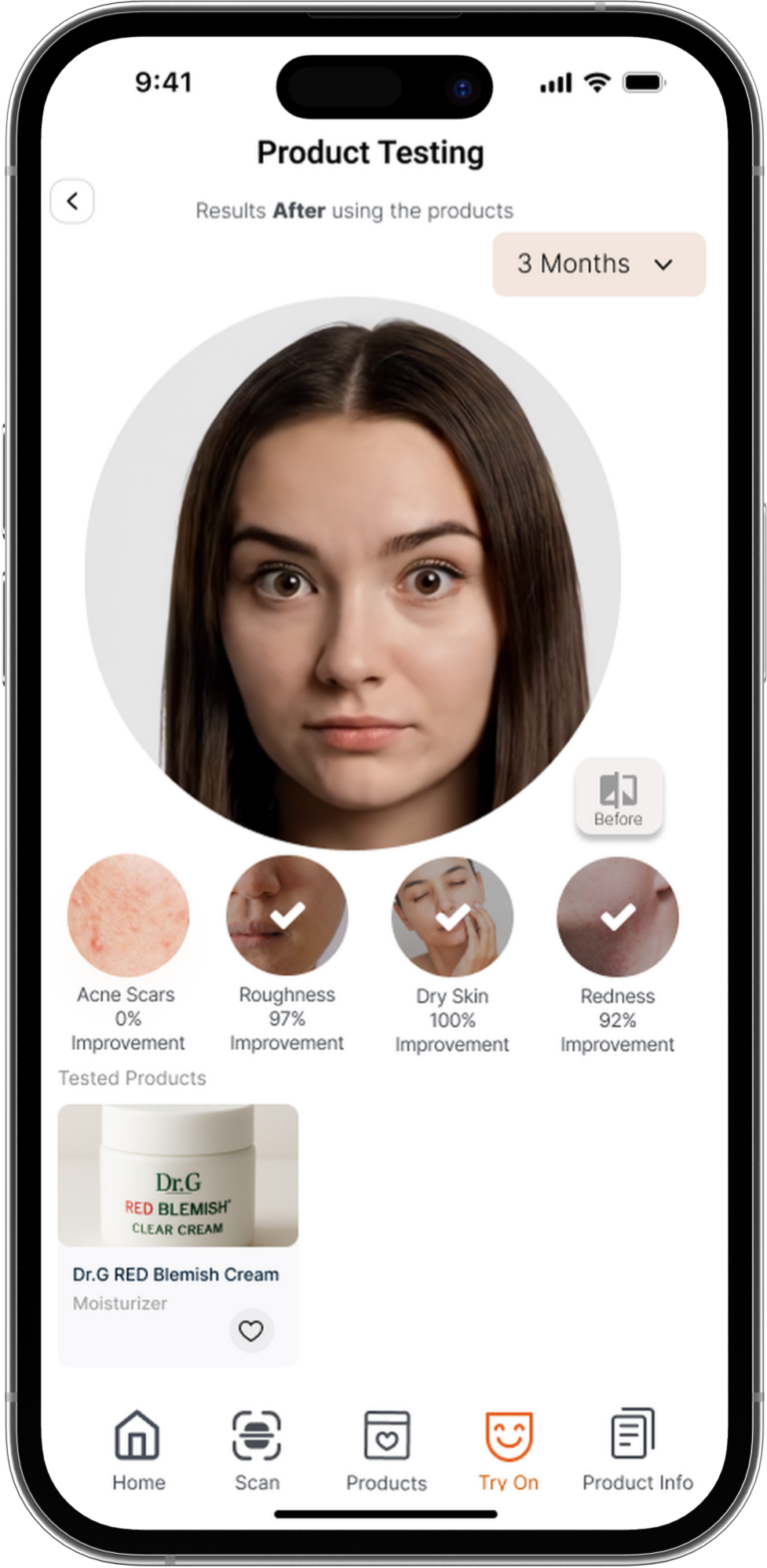
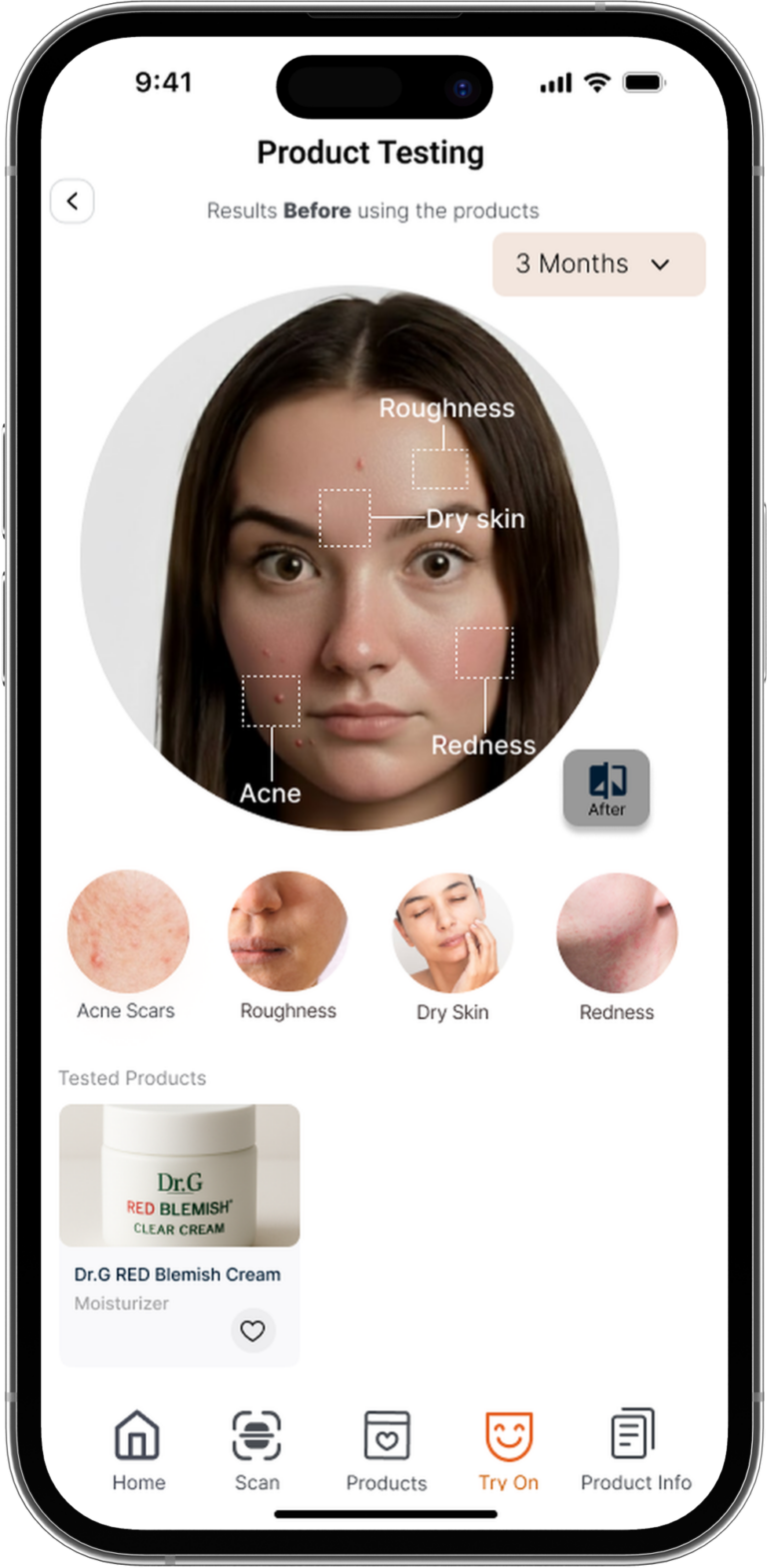
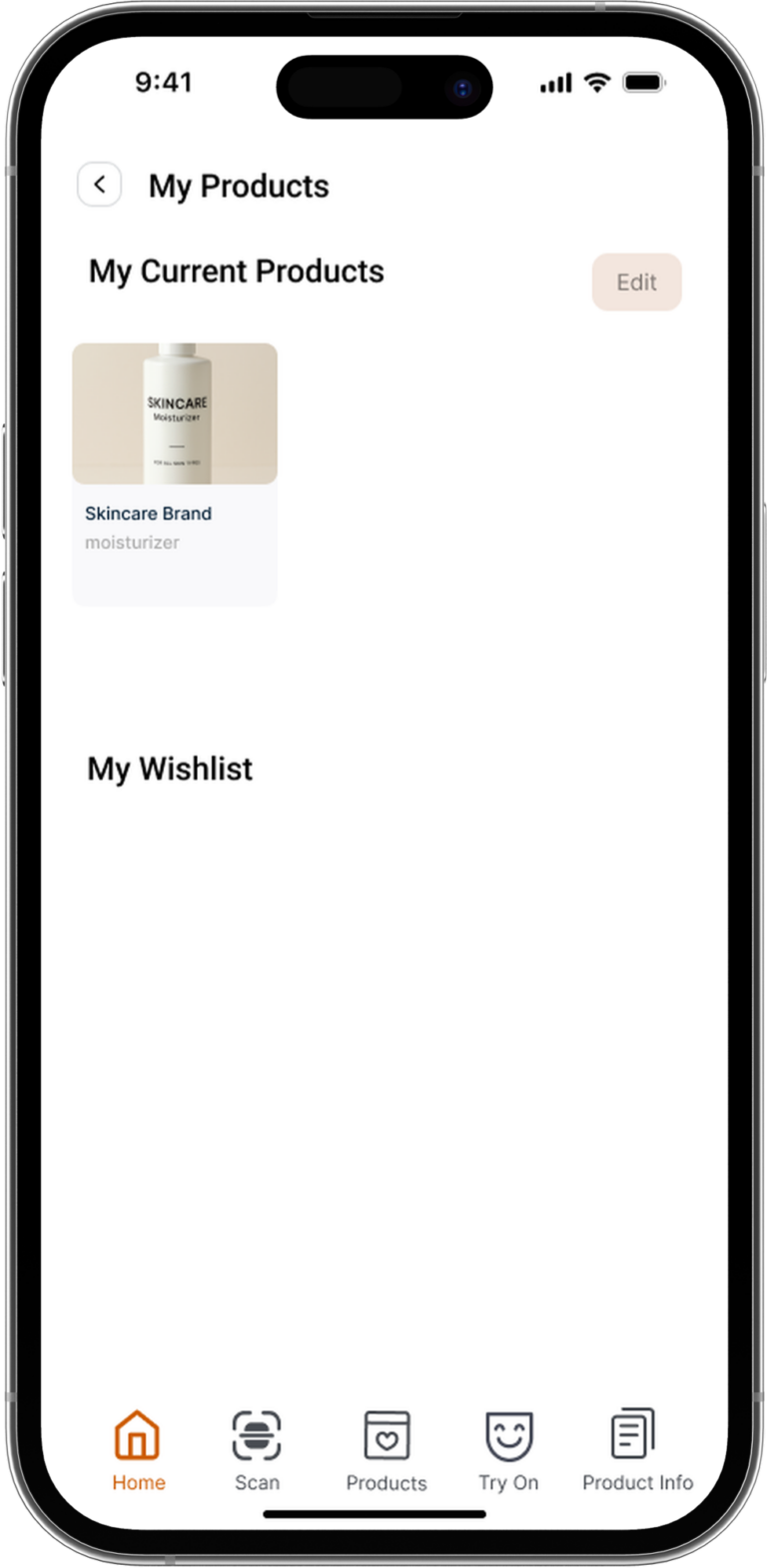
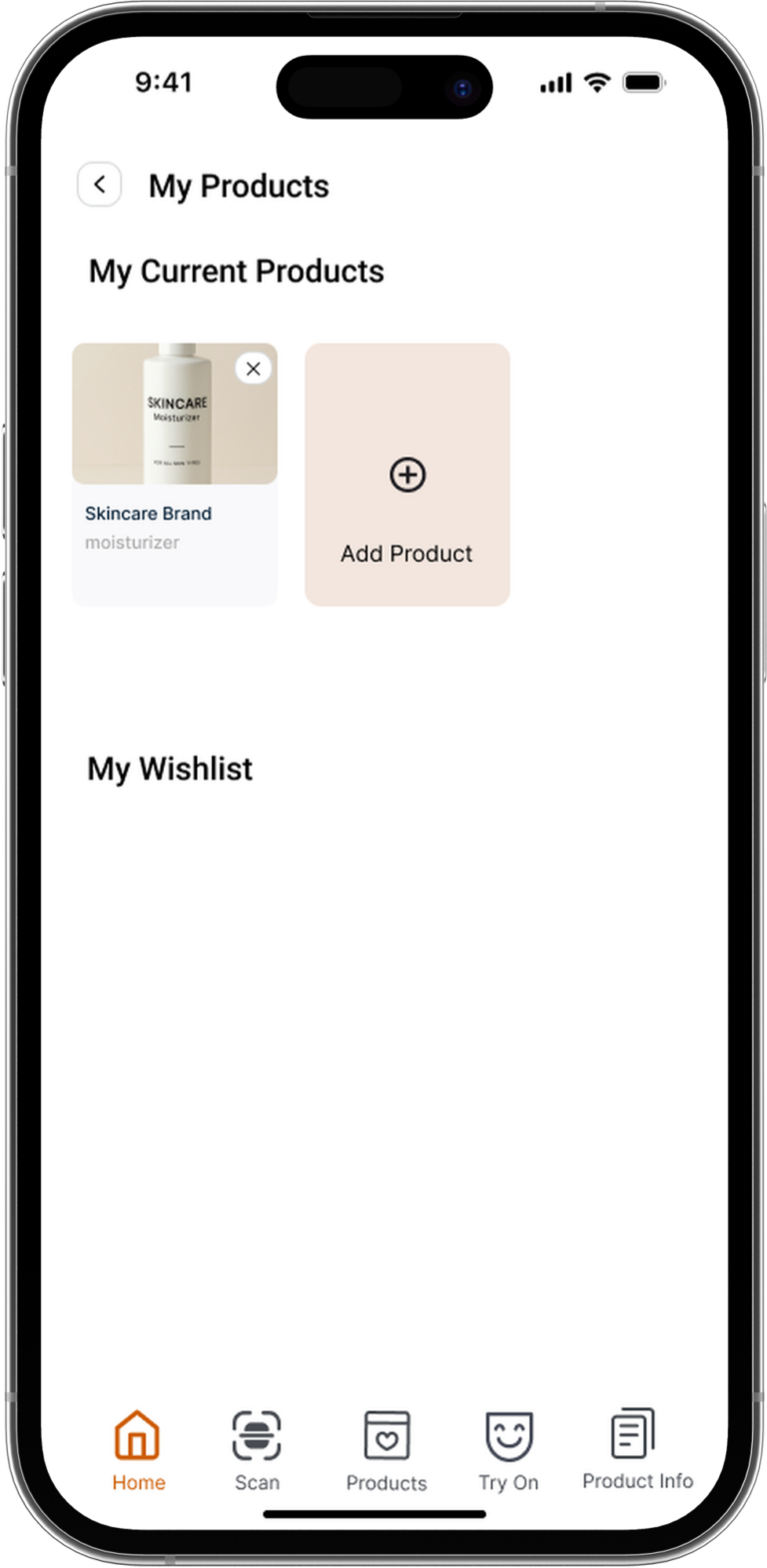
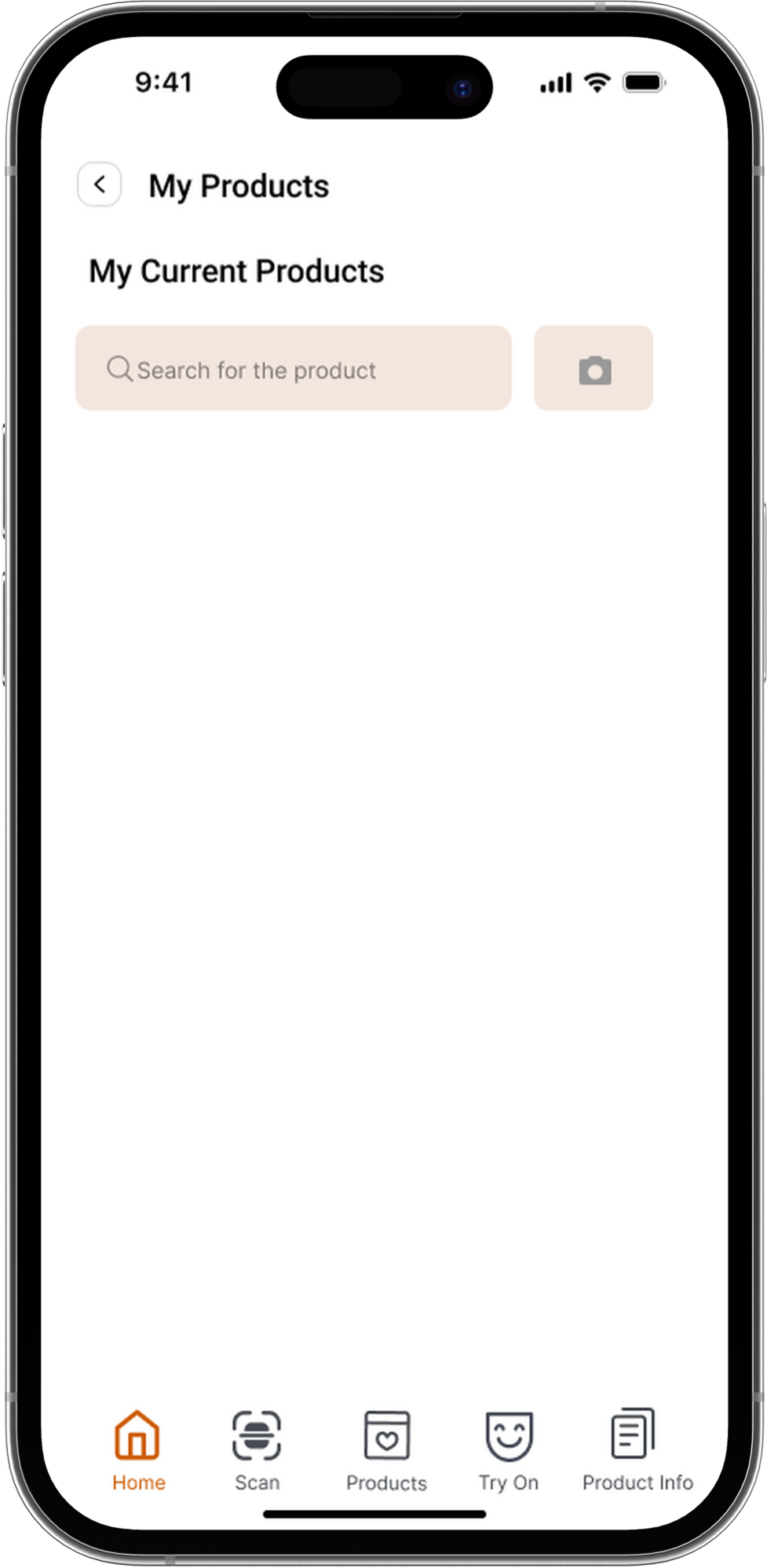
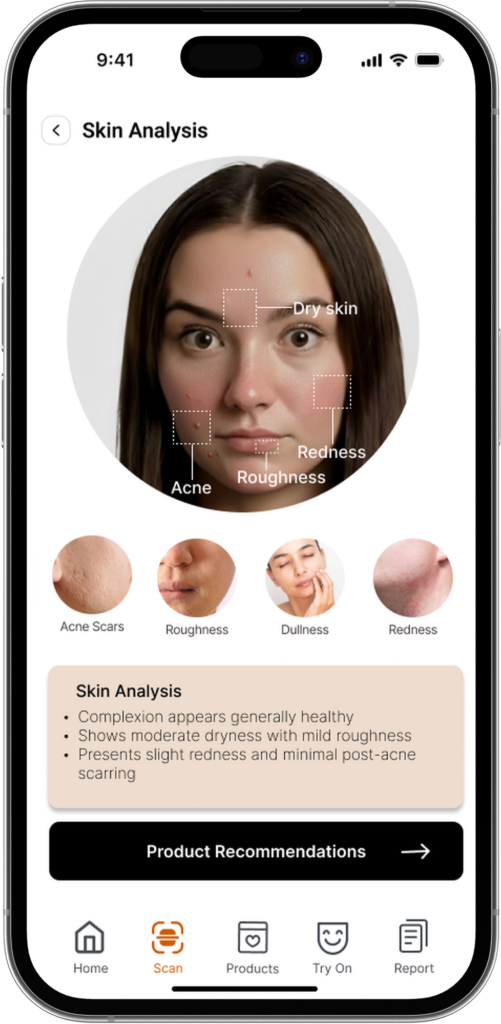
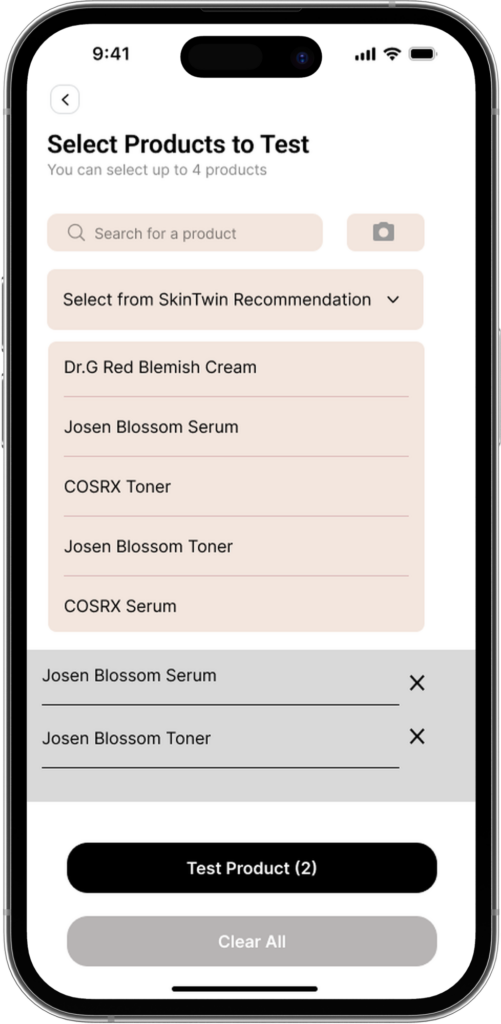
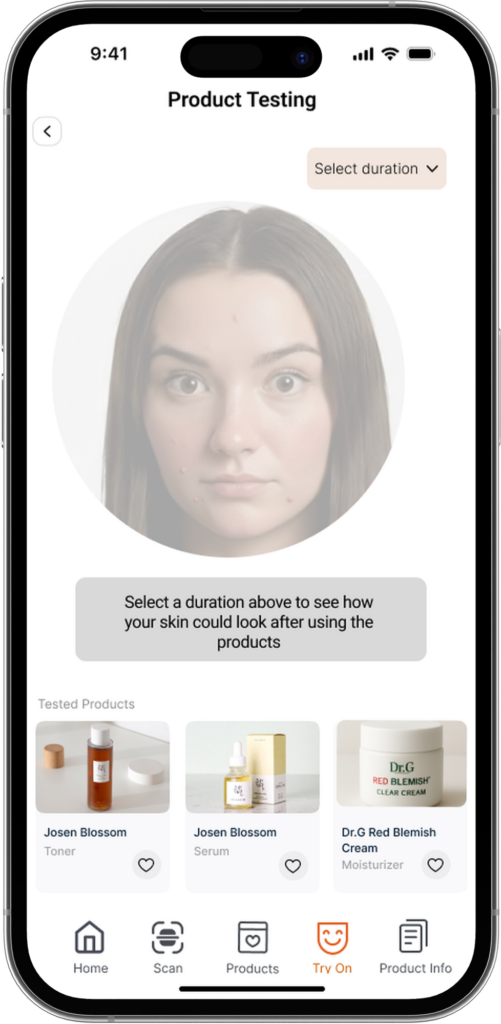
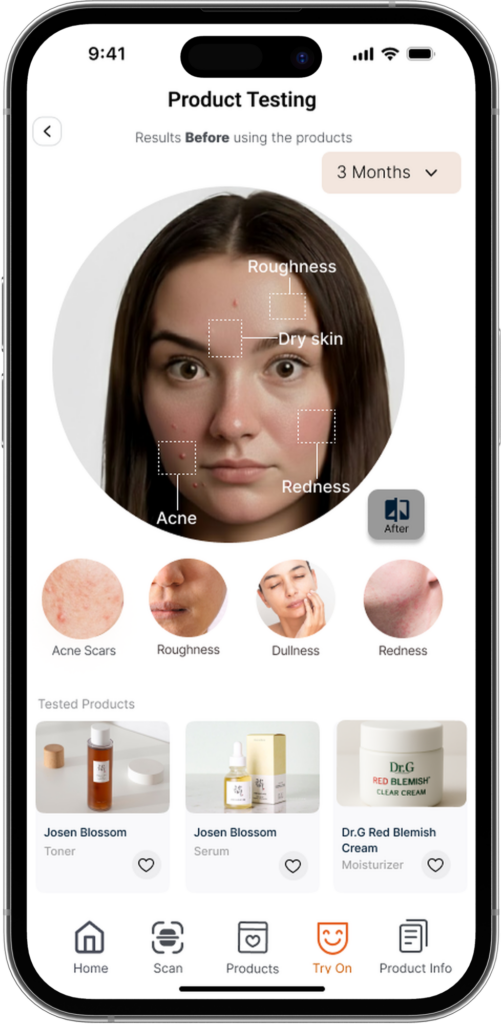
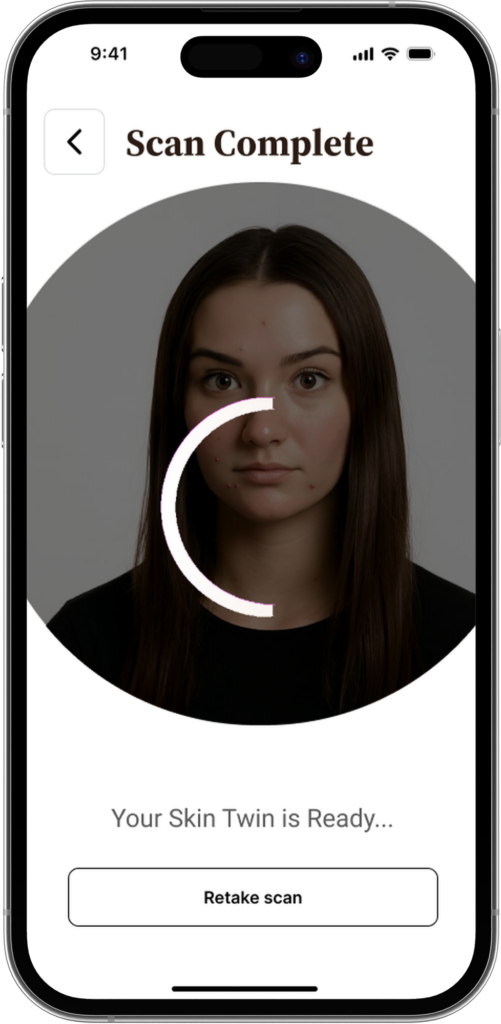
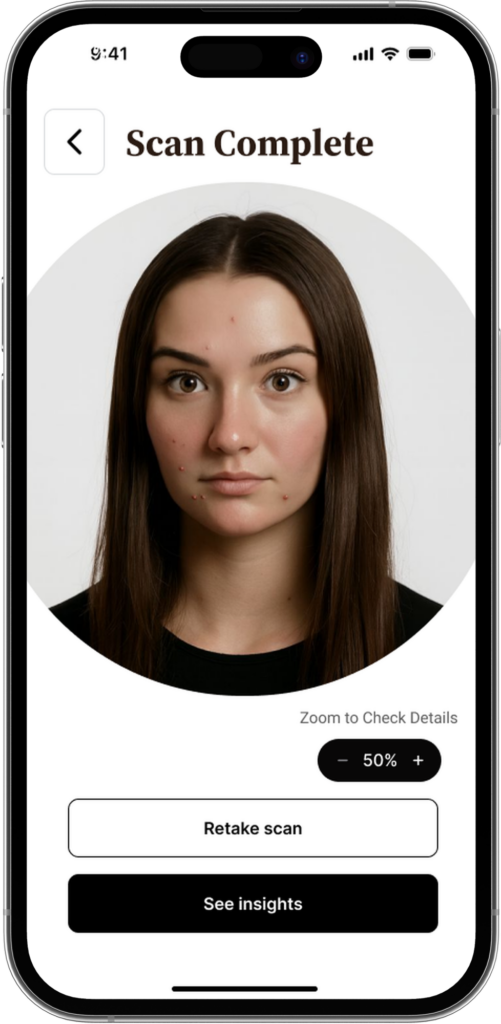
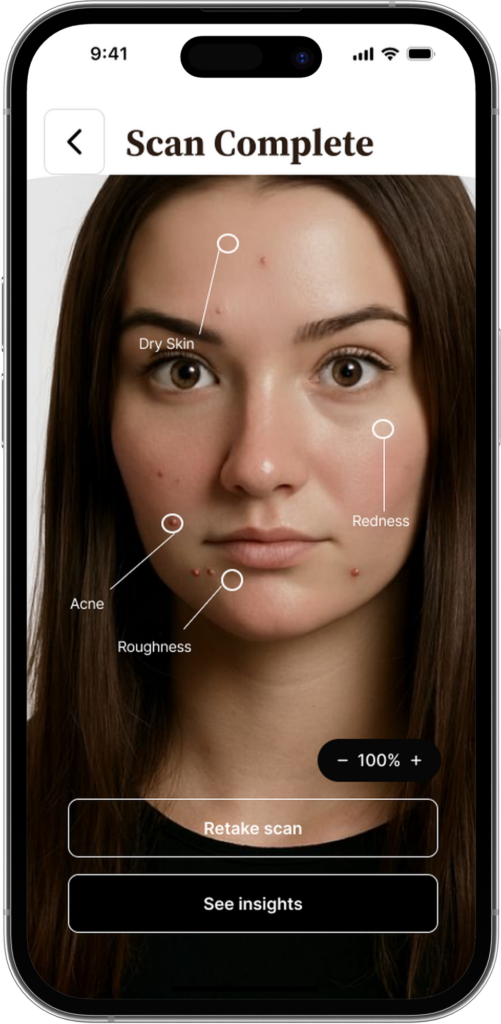
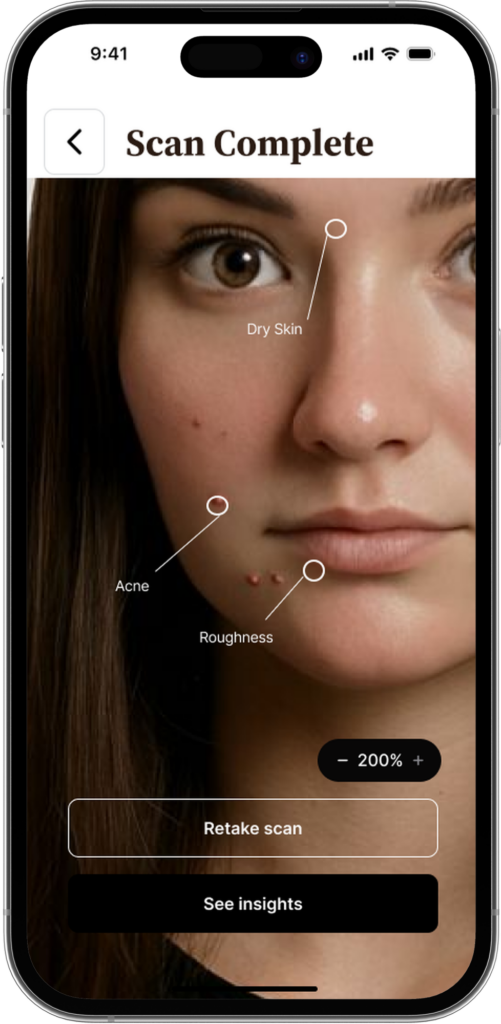
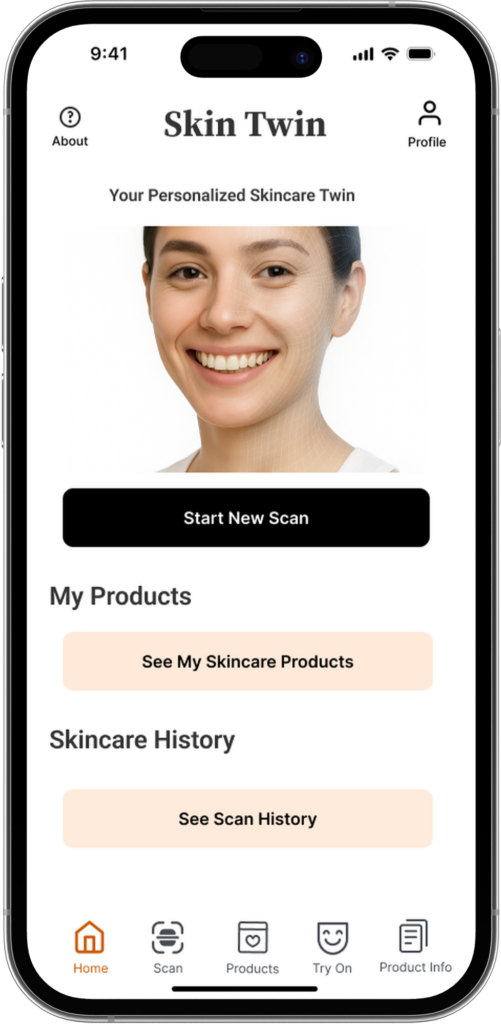
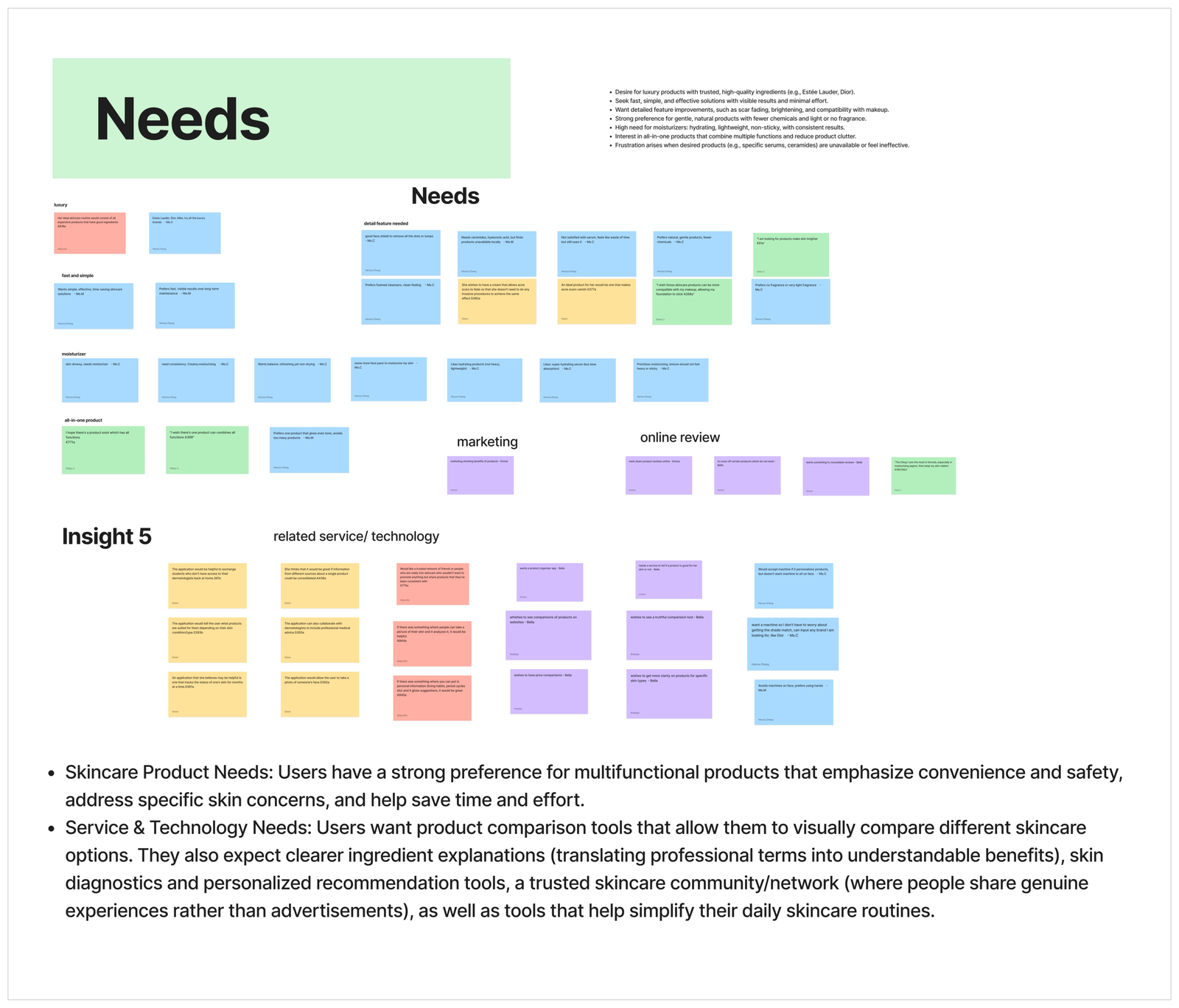
I researched and designed SkinTwin, a mobile app that scans your face, identifies concerns, recommends products, and simulates outcomes using a “digital twin” plus a scannable product information report.

When

 Aug 2025 – Dec 2025


Why

Skincare decisions are high-effort and trust-fragile. Students are navigating too many products with unclear ingredients and advice that doesn’t feel reliable.

Problem

Background

Skincare is a mainstream wellness category, but it’s also confusing and easy to get wrong, especially for college students who are trying to manage acne, hyperpigmentation, dryness and sensitivity while being surrounded by influencer content and sponsored recommendations. Acne alone affects up to 50 million Americans annually, and around 85% of people aged 12–24 experience at least minor acne. 

At the same time, online skincare content often looks confident but isn’t consistently accurate; research on TikTok health content has shown that a large portion of popular skincare guidance can be misleading or incorrect. This combination of high need and low trust, creates decision fatigue, wasted money, and frustrations.

How might we?

How might we help college students reduce skincare information overload and choose trustworthy, personalized products using skin analysis that feels credible, easy to compare, and low-effort to act on?

Research Methodology

Market research

We audited ~25 existing solutions across AI skin analyzers, ingredient checkers, subscriptions, tele-dermatology, and community review platforms. We did this to understand the current landscape and identify where existing tools break down for students, especially around trust, explainability, and connecting product choices to real outcomes.

Interviews

We ran 10 contextual interviews and captured video and audio recordings. We focused on routines, decision-making, trust signals, and the real factors users believe influence their skin beyond products (diet, sleep, stress, climate, water quality). We used contextual interviews because skincare behavior is messy and habit-based. Users often can’t explain their process unless you walk through it with them.

Co-design interview flow diagram
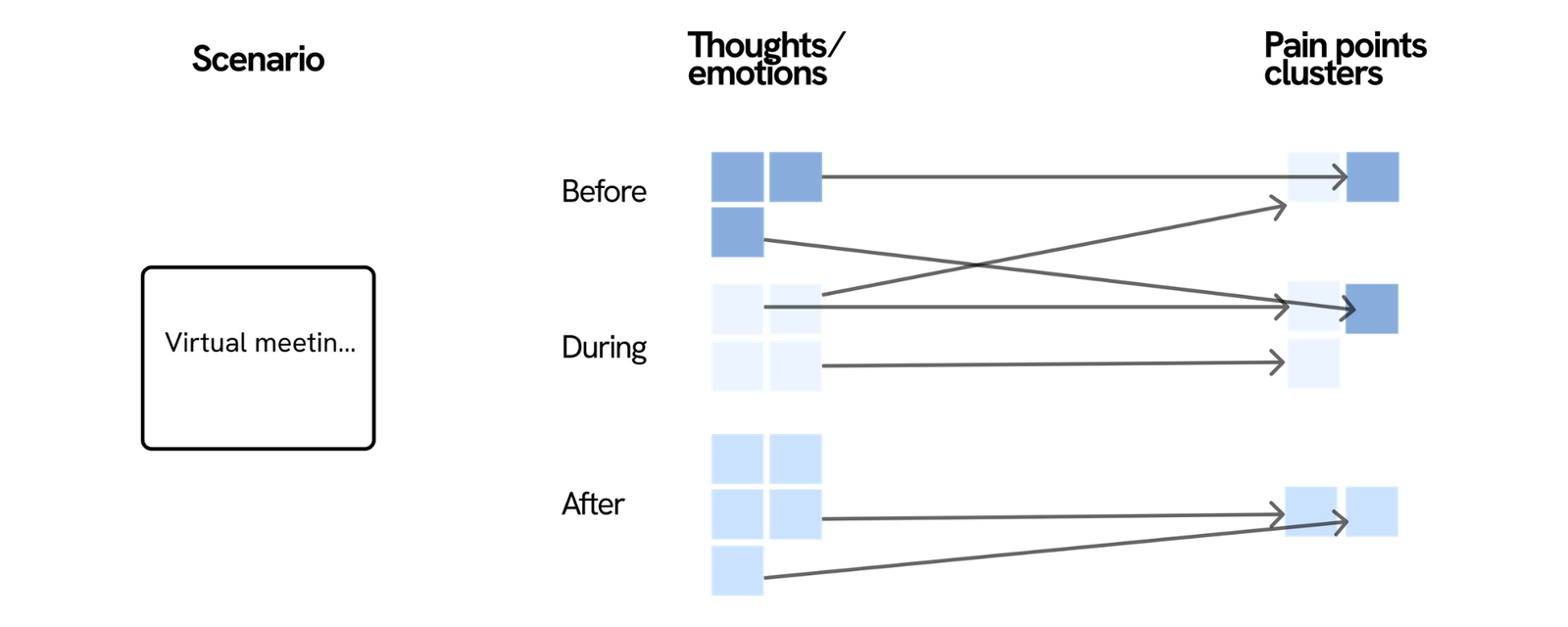
Diagram mapping virtual meeting scenarios to user thoughts, emotions, and pain point clusters across the Before, During, and After phases
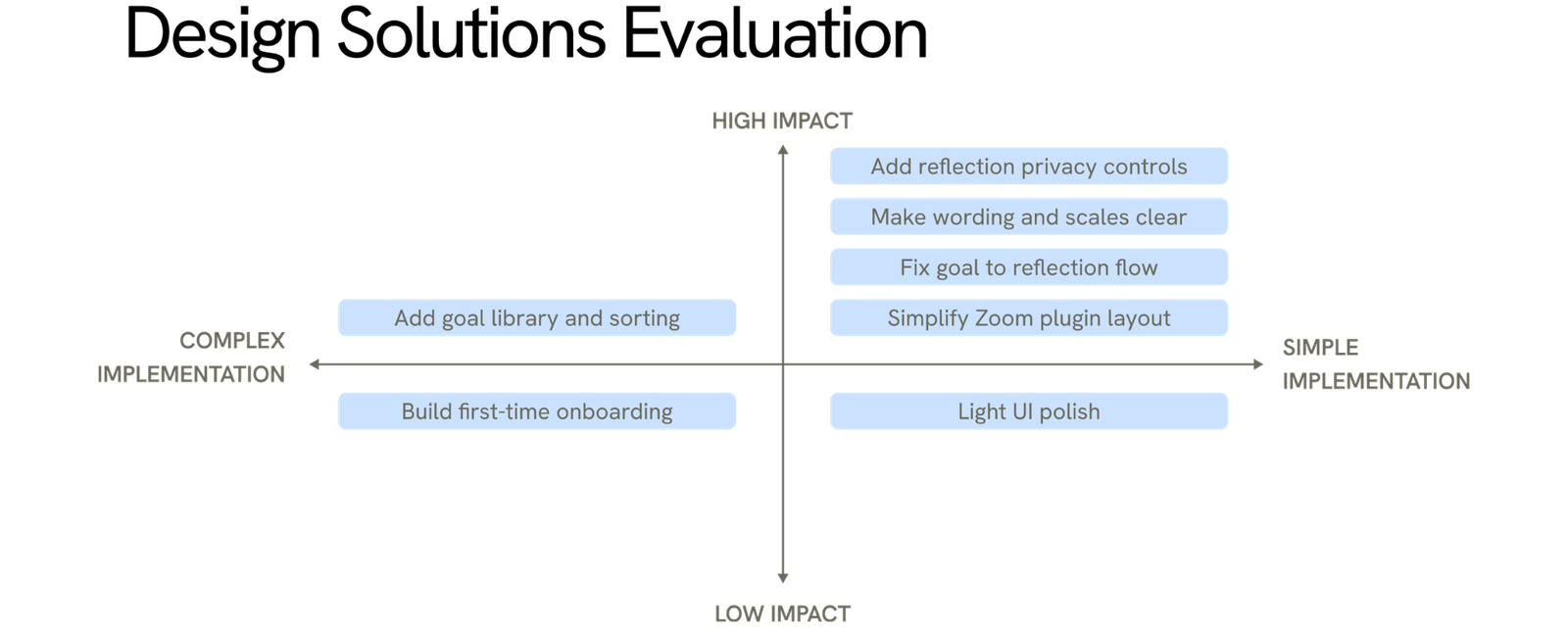
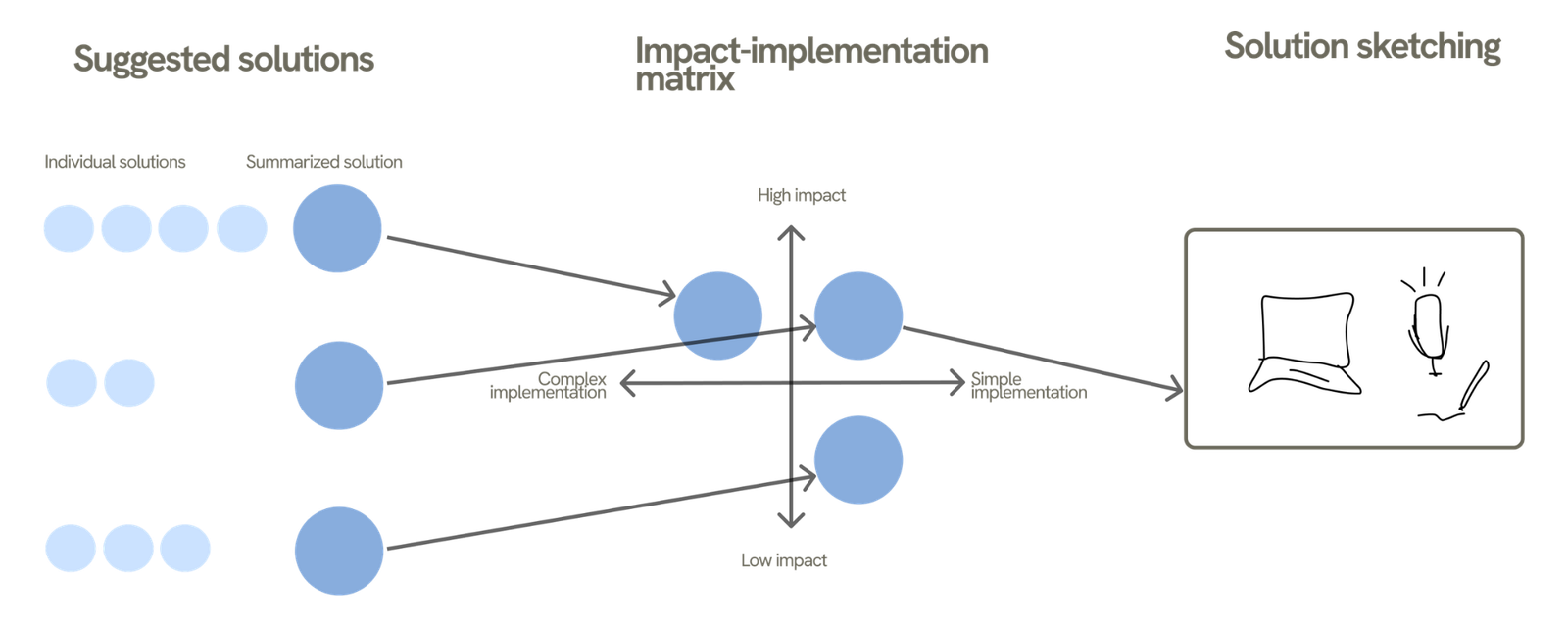
Diagram showing suggested solutions grouped and plotted on an impact-implementation matrix, leading to solution sketches
Data analysis

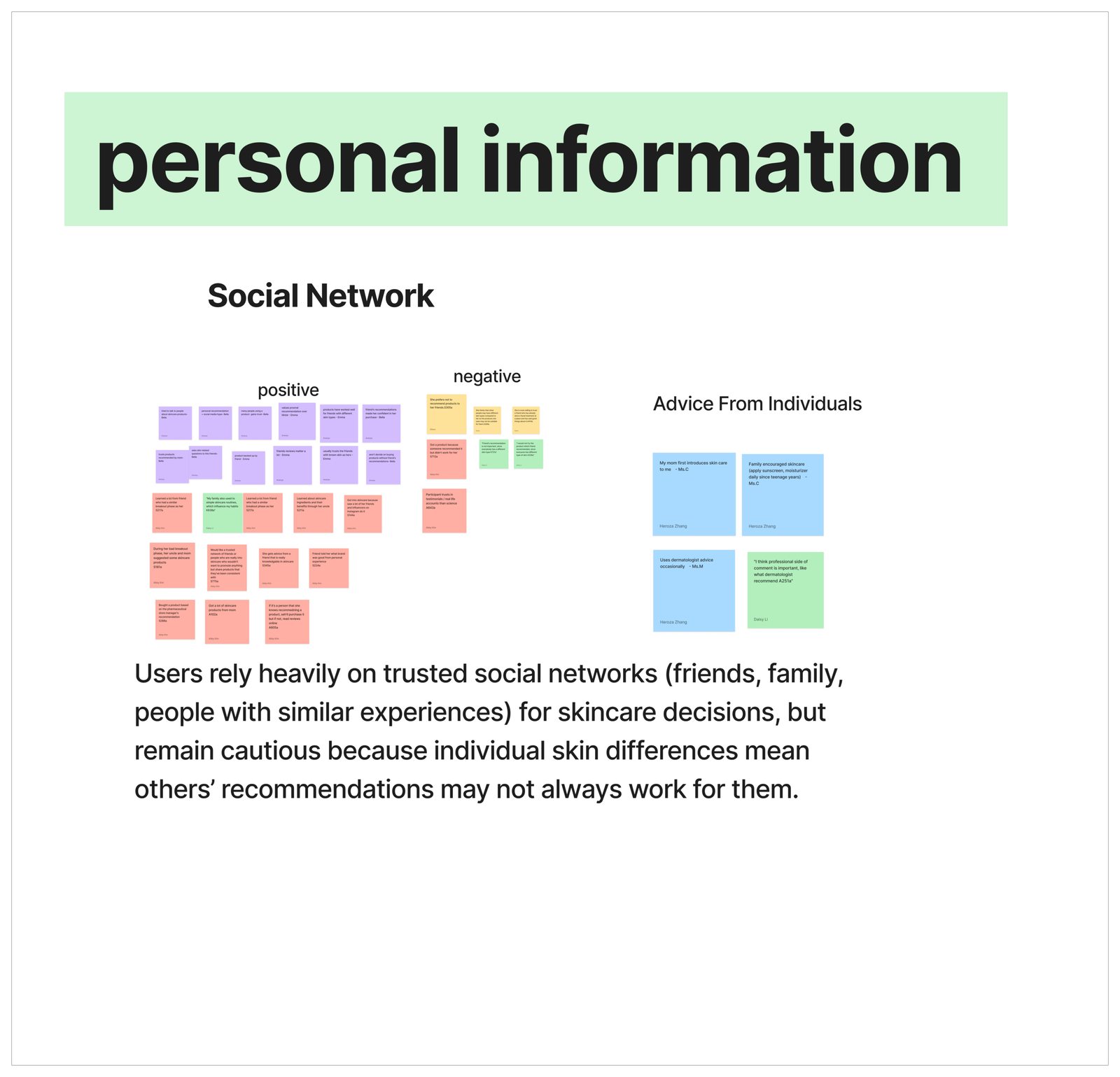
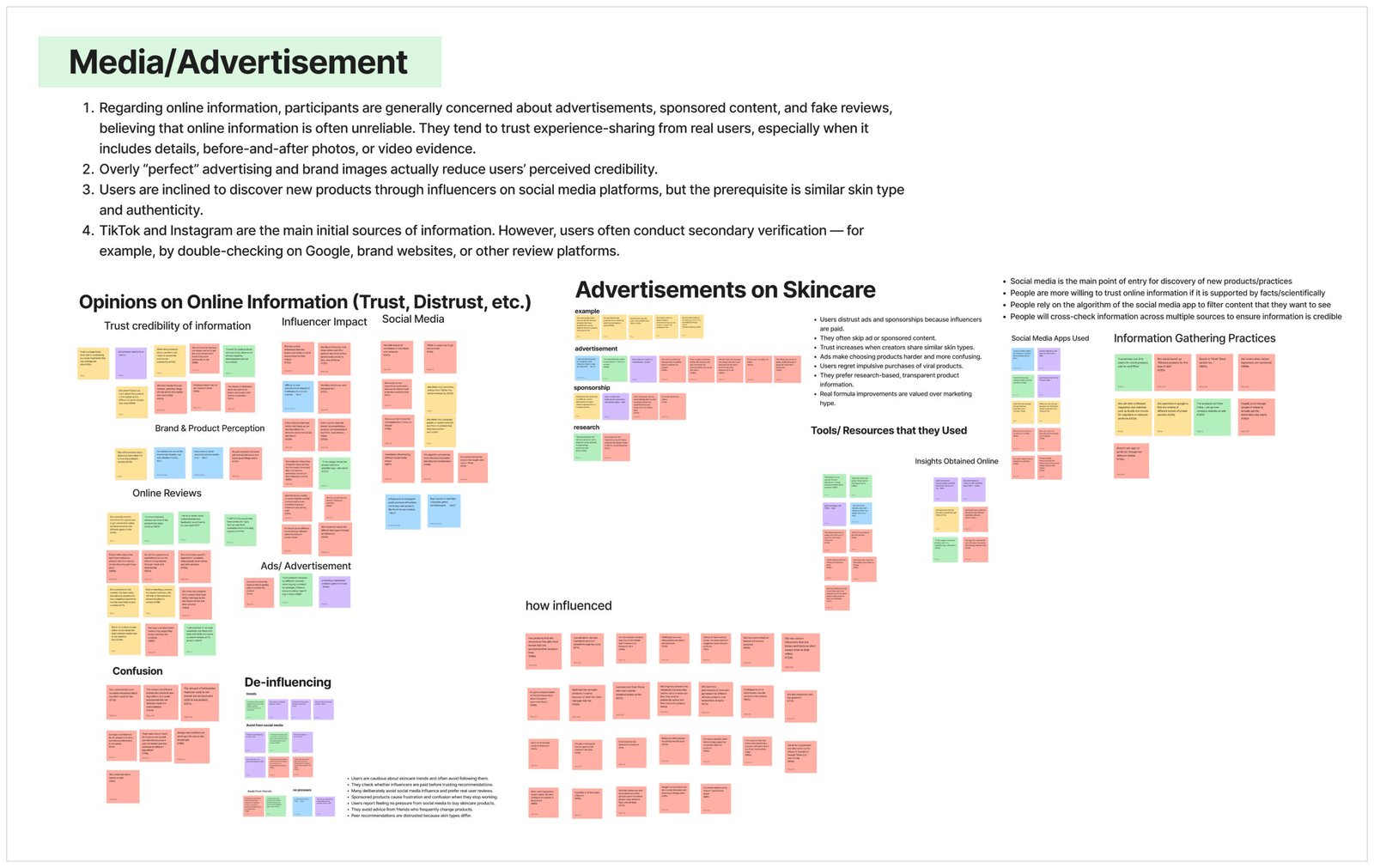
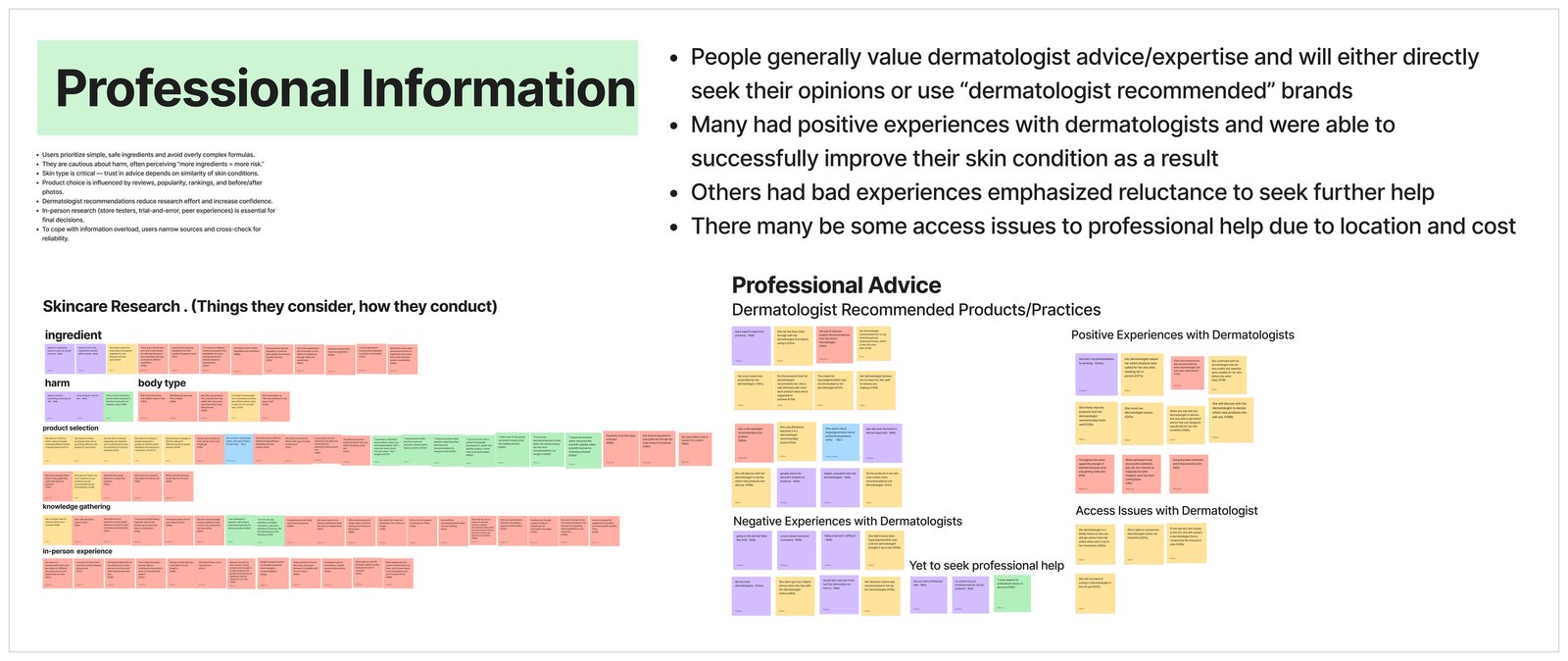
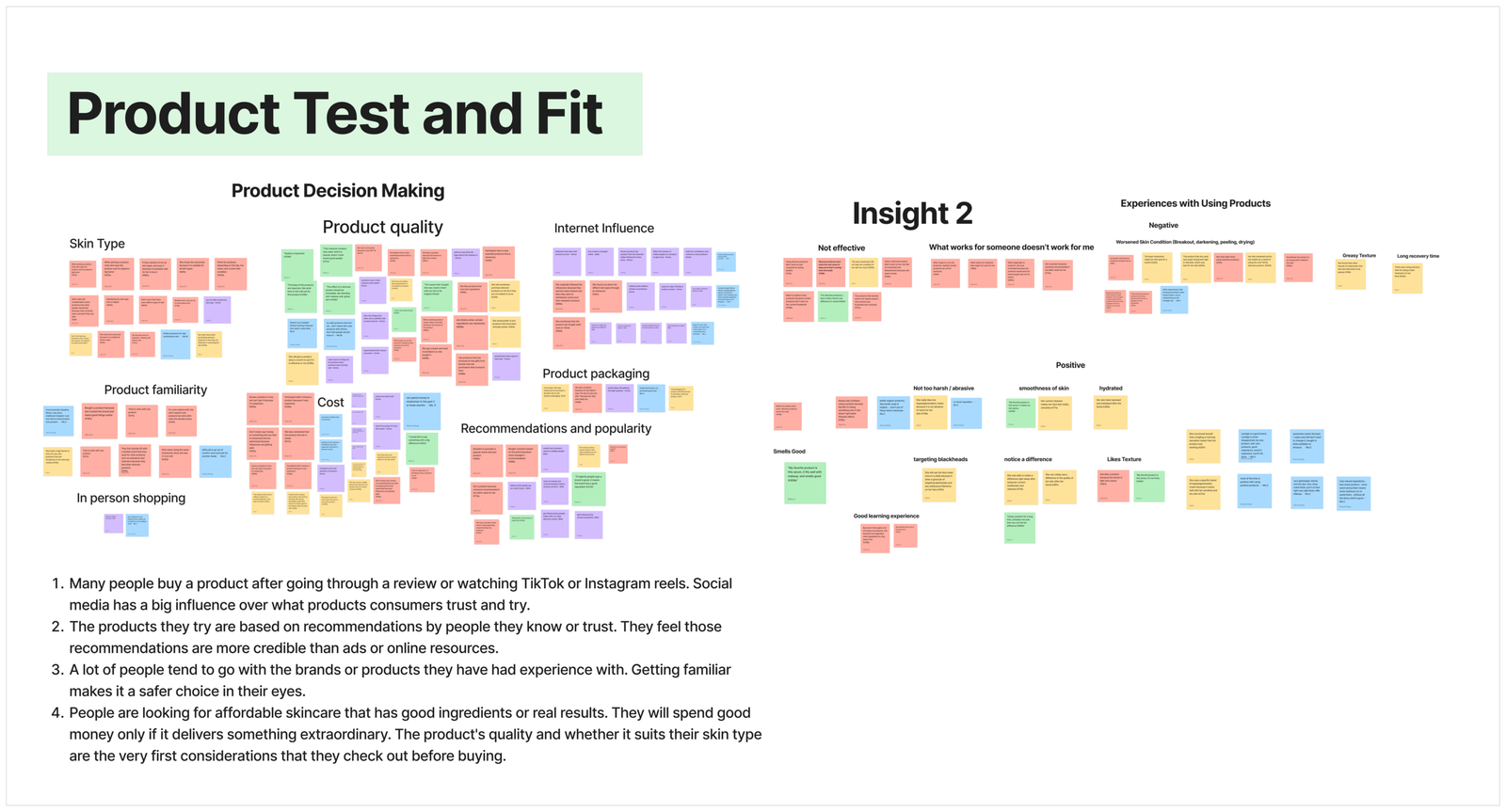
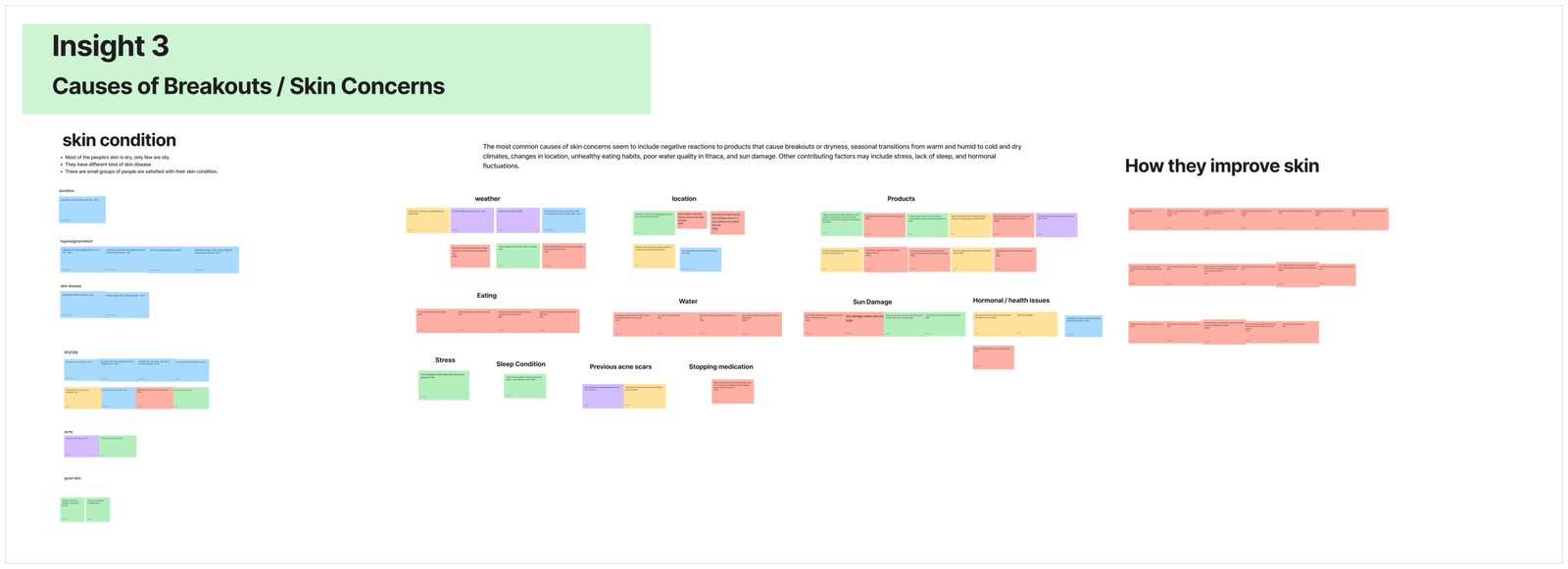
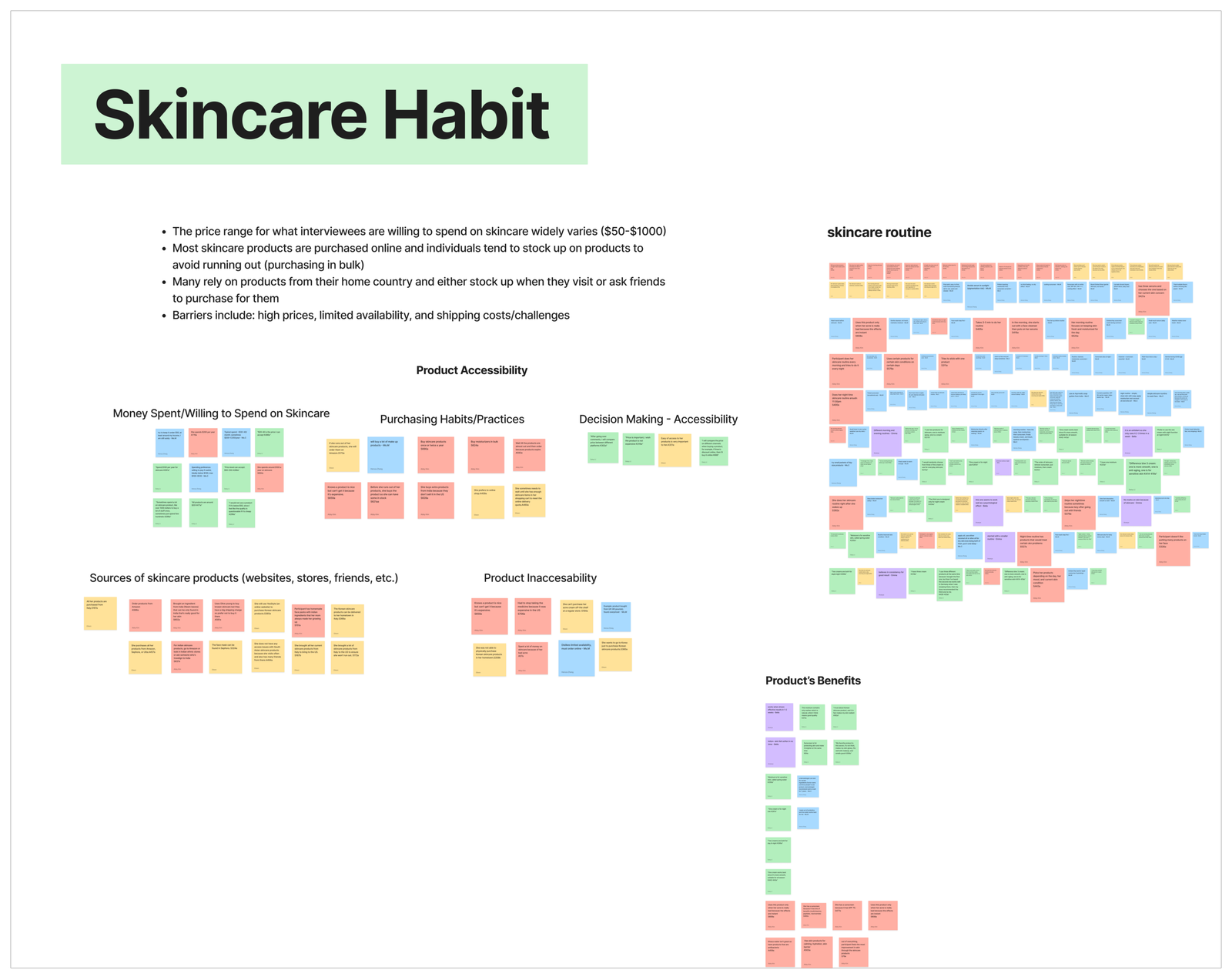
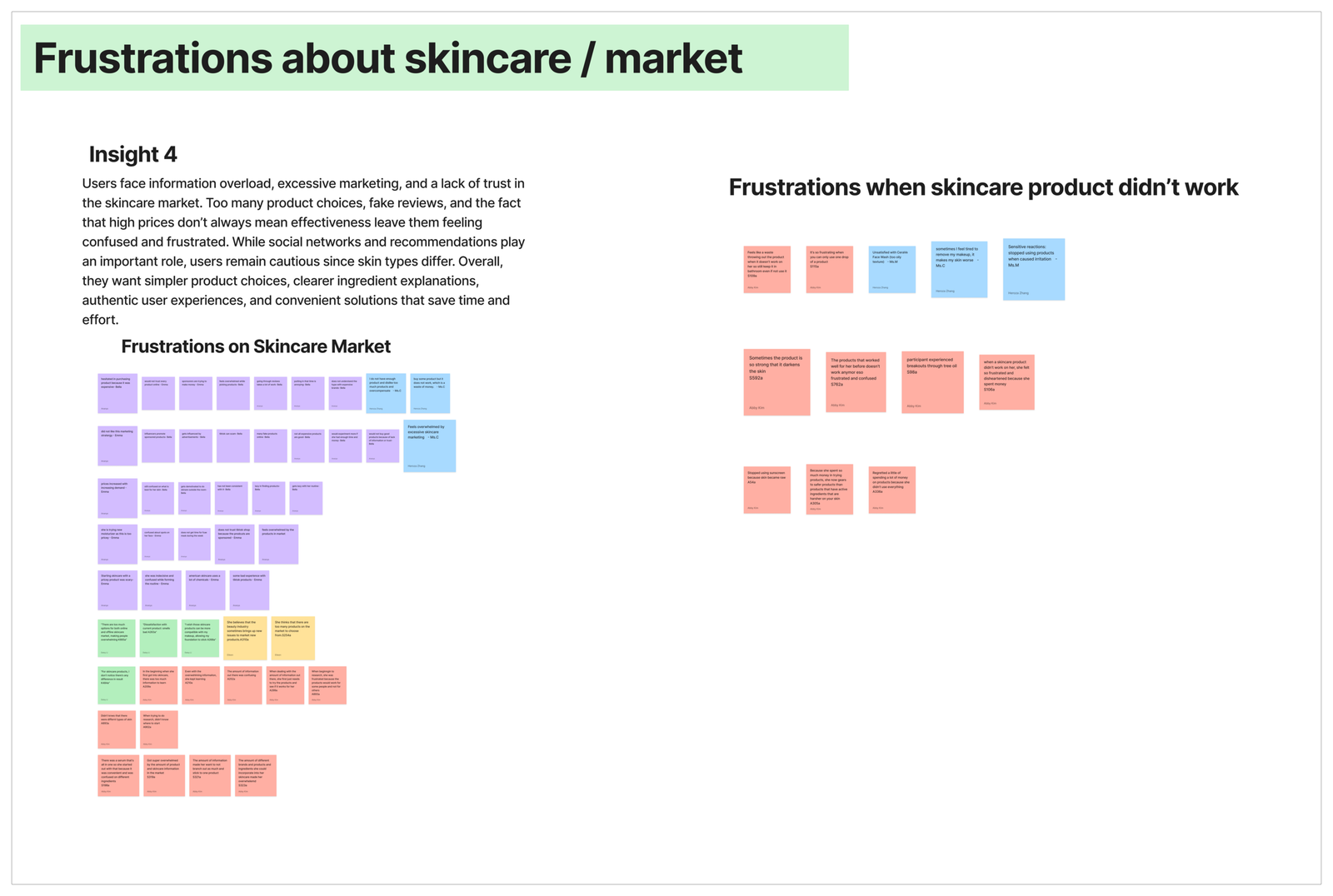
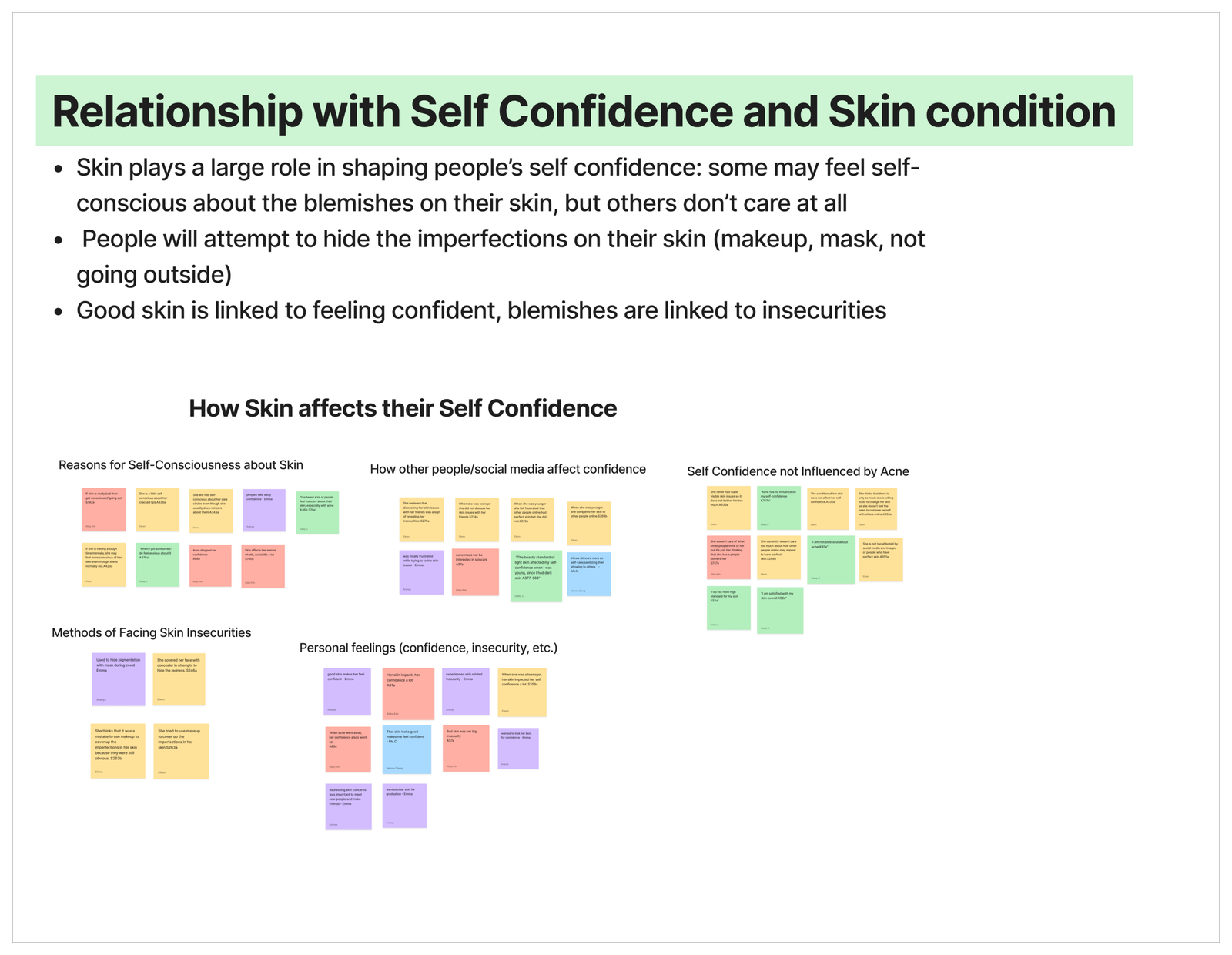
We transcribed and coded interviews, created an affinity diagram to cluster repeated patterns, and built a primary persona to keep the team aligned on needs and constraints. We did this to ensure our final design was traceable to real behaviors, not opinions or assumptions and to translate qualitative insights into clear product requirements.

Thematic Analysis Code Book
Heart on document icon

Personal experience with speech therapy

Hand icon

Stutter affirming therapy

House icon with a warning triangle

Experiences with stuttering

Person icon with gear and clock symbols

Challenges with video conferencing as a PWS

Microphone icon

Traditional speech therapy

User profile icon

Challenges mitigation on video conferencing as a PWS
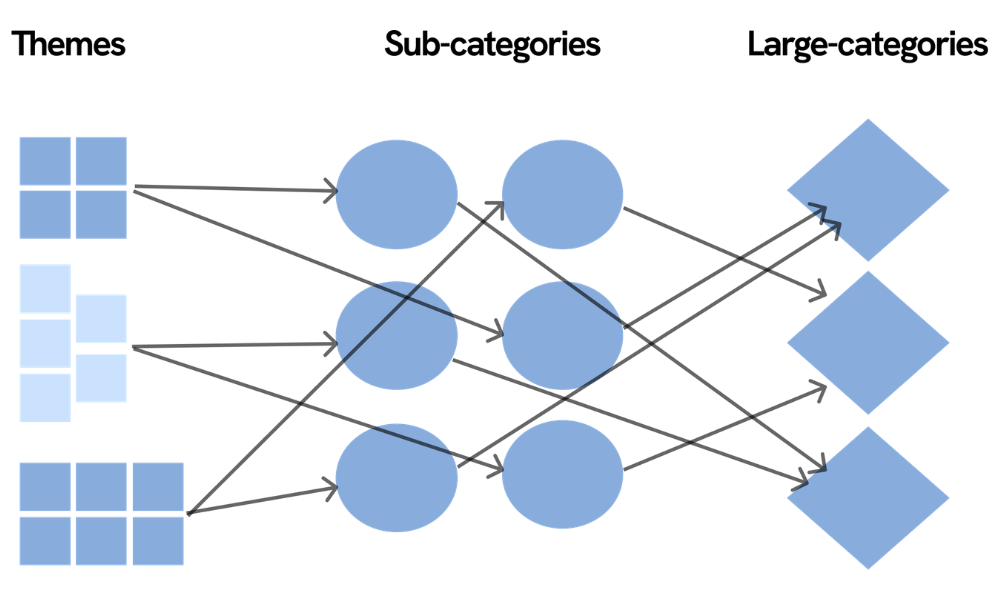
Bipartite diagram: Themes alone can become a flat list. We needed structure that shows relationships.

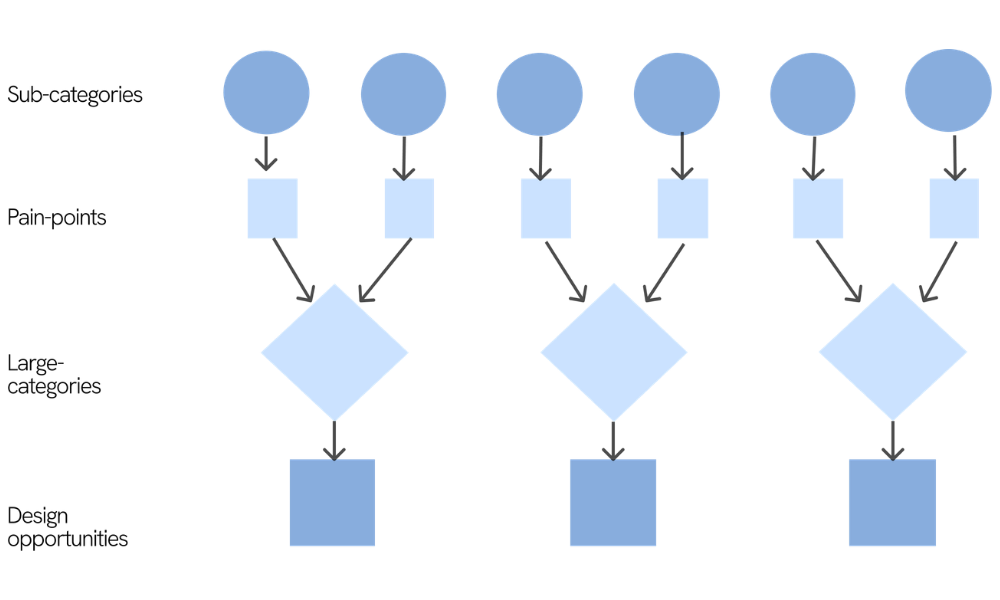
  • We reorganized quotes into sub-categories (specific situations like “camera use” or “metrics during sessions”) and grouped them into large categories (higher-level needs).
  • Why this mattered: Stuttering in meetings isn’t one-variable. A single quote can support multiple sub-categories, and sub-categories can roll up into multiple categories. Bipartite mapping made overlaps visible, so we didn’t design siloed features.
Affinity mapping diagram showing research themes grouped into sub-categories and then consolidated into large categories
Flowchart tracing sub-categories through pain points and large categories to resulting design opportunities

Pain point mapping: We translated sub-categories into pain points, then rolled them up into categories and opportunities.

Why this mattered: Traceability. For every solution we proposed, we could point back to the exact quotes/sub-categories that motivated it. It reduces assumption bias in a sensitive space where “help” can easily become judgment.

Results

Market research insights and gaps

Most tools are fragmented: some analyze skin, some explain ingredients, and others recommend products, but few connect these into a single flow that builds confidence. “Personalization” also often lacks explainability, which makes recommendations feel like a black box, especially when results take time and users are anxious about making their skin worse.

Interview insights

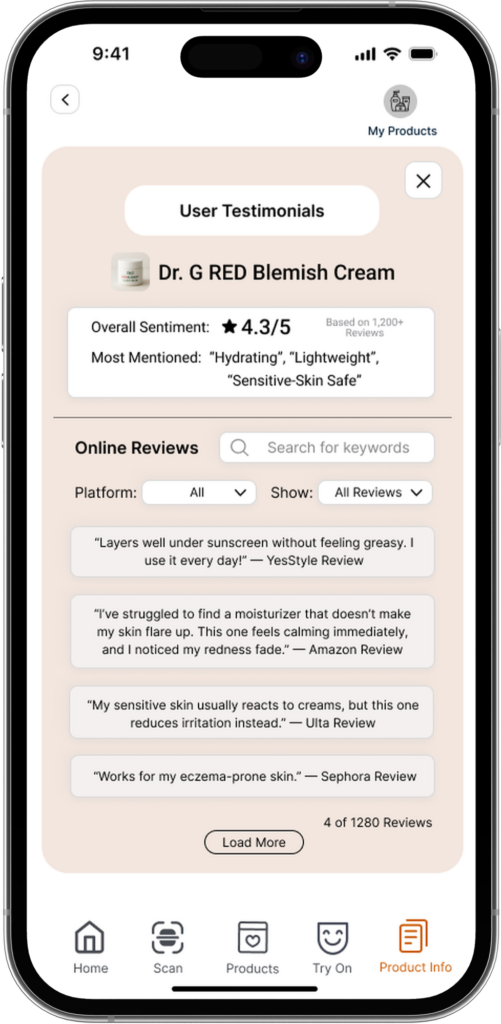
Students felt overwhelmed by the sheer volume of products and conflicting advice online. They wanted a centralized, trustworthy source that reduces decision fatigue. Credibility mattered more than novelty, ads and influencer content were distrusted, while dermatologist framing, ingredient clarity, and real testimonials increased confidence. Students also viewed skin as contextual: they linked changes to stress, diet, hydration, and environment, so they wanted recommendations that felt tailored, not generic.


  • Managing visibility and participation
  • Desire for agency and choice over goals/metrics
  • Need for better between-session continuity for SLP support
Large Categories
Heart on document icon

Progress Metrics Still Prioritize Fluency Over Confidence and Identify

Hand icon

Managing Visibility and Anticipation in Meeting

House icon with a warning triangle

Virtual Spaces Amplify Invisibility and Anxiety for People Who Stutter

Person icon with gear and clock symbols

Percent fluency metrics prevent therapists from tracking real world carryover

Microphone icon

Percent fluency metrics prevent therapists from tracking real world carryover

User profile icon

Speech tools misread and hide stuttering limiting communication and reinforcing stigma

Design direction

We focused on three opportunities:

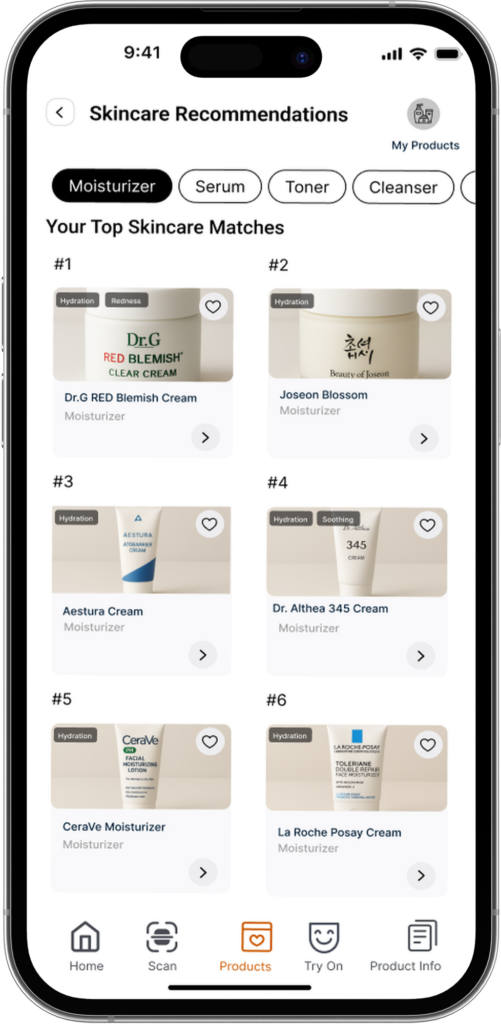
  • Consolidate the journey into a clear path (scan → insights → recommendations → compare → decide).
  • Build trust through explainability (ingredient “why,” usage guidance, and realistic expectations).
  • Reduce risk through visualization and reporting (a “digital twin” preview and a scannable report users can rely on).


  • Normalize emotional reflection as part of growth
  • Bridge clinic and real life with contextual reflection (not just numbers)
  • Give speakers control over visibility and participation
Conceptual Design Opportunities
Icon of a person wearing a crown surrounded by small symbols

Redefine progress to prioritize confidence, expression, and identity, not fluency.

Hand icon

Give speakers control over their visibility and participation.

Shield icon with the letter M

Design safe virtual spaces that support inclusion and reduce performance pressure.

Speech bubble icon with a heart

Adopt an affirming tech mindset that treats stuttering as variation, not error.

Head silhouette icon with a heart inside

Normalize emotional reflection as a core part of communication growth.

Lightbulb icon on a device screen

Bridge clinic and real life through reflection and context, not numeric tracking.
Design Process

Ideation

We explored multiple concepts, then prioritized directions that directly addressed overload and trust while staying feasible for a semester timeline. That led to a focused solution: personalized scan, guided recommendations with a comparison layer and a digital-twin style visualization to help users understand potential change over time.

Before going high-fidelity, we created quick paper sketches of the core flow (scan → concerns → recommendations → compare → report). We used them to validate screen order, navigation clarity, and what information needed to appear first, so we could fix confusing structure early, without spending time polishing UI too soon.

Design decisions

Key design choices were built to reduce user anxiety and increase clarity:

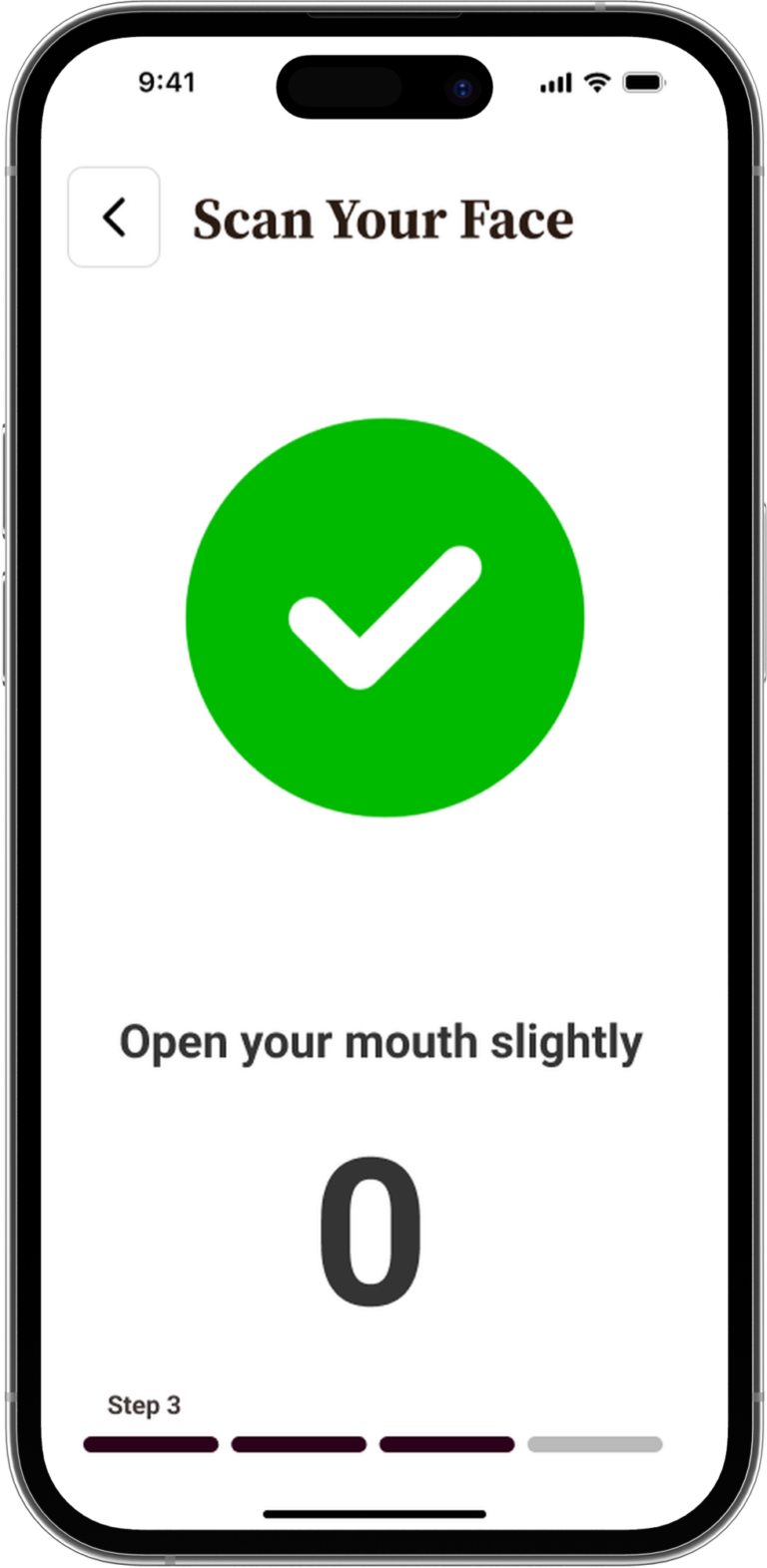
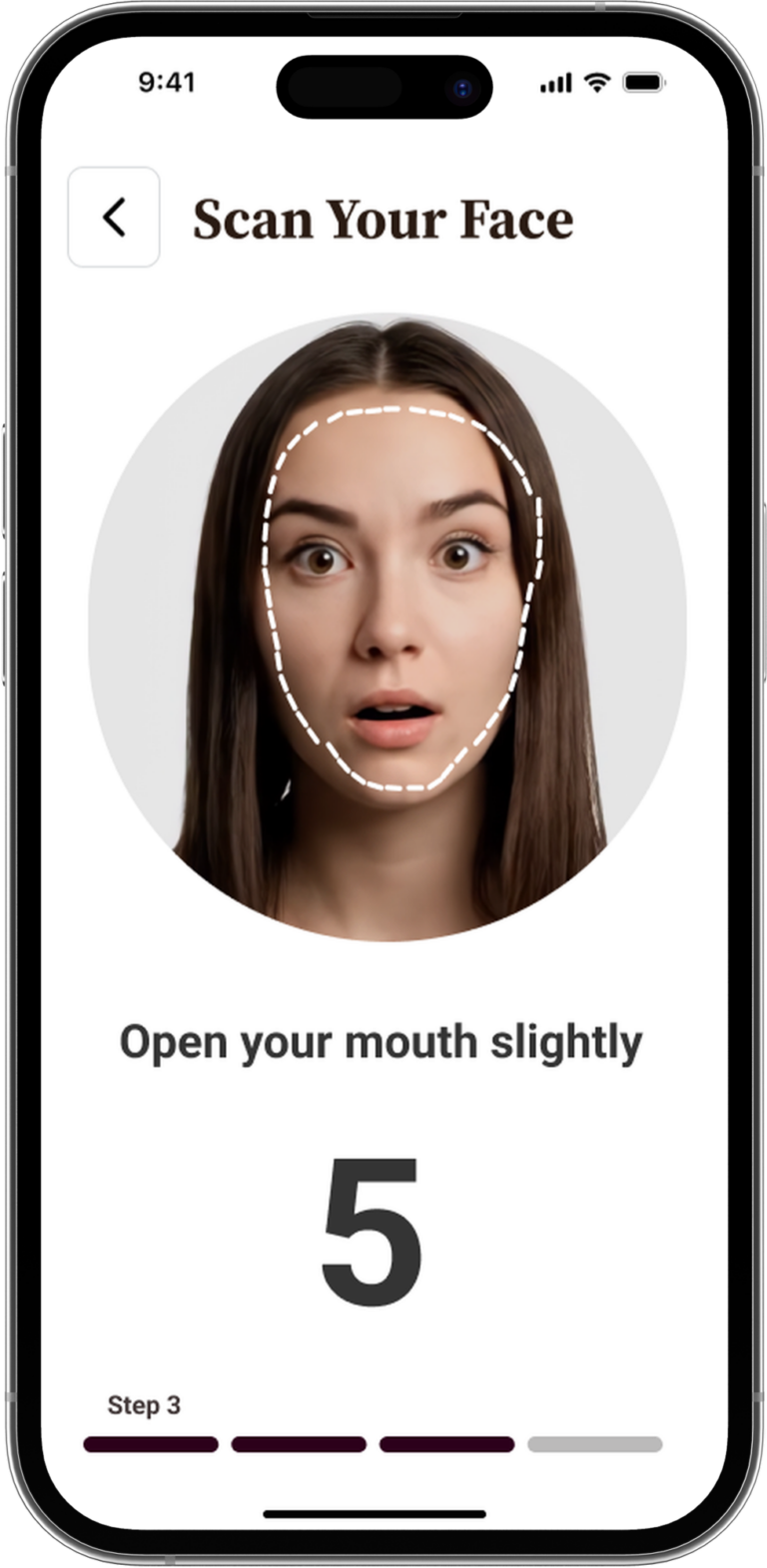
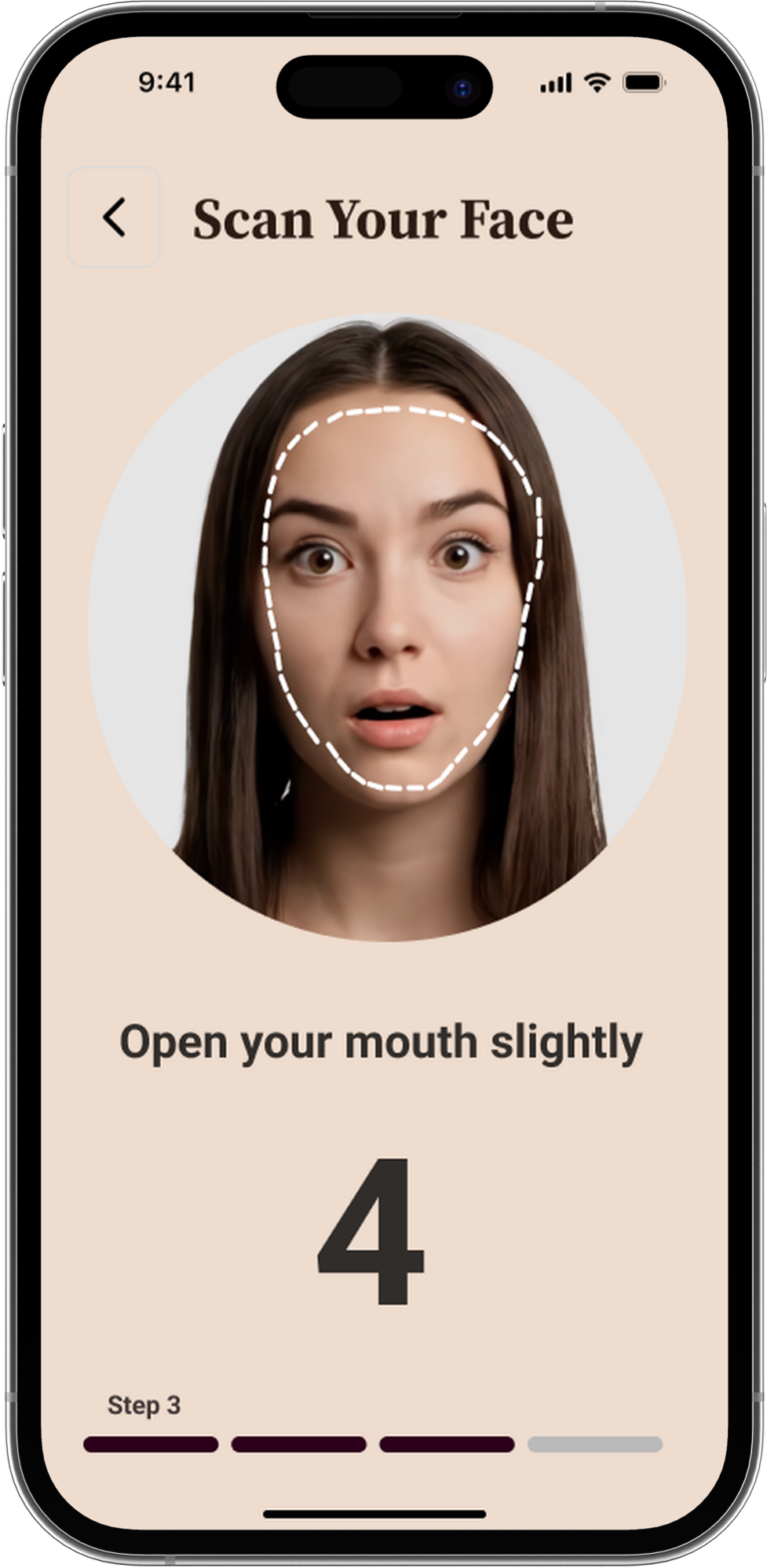
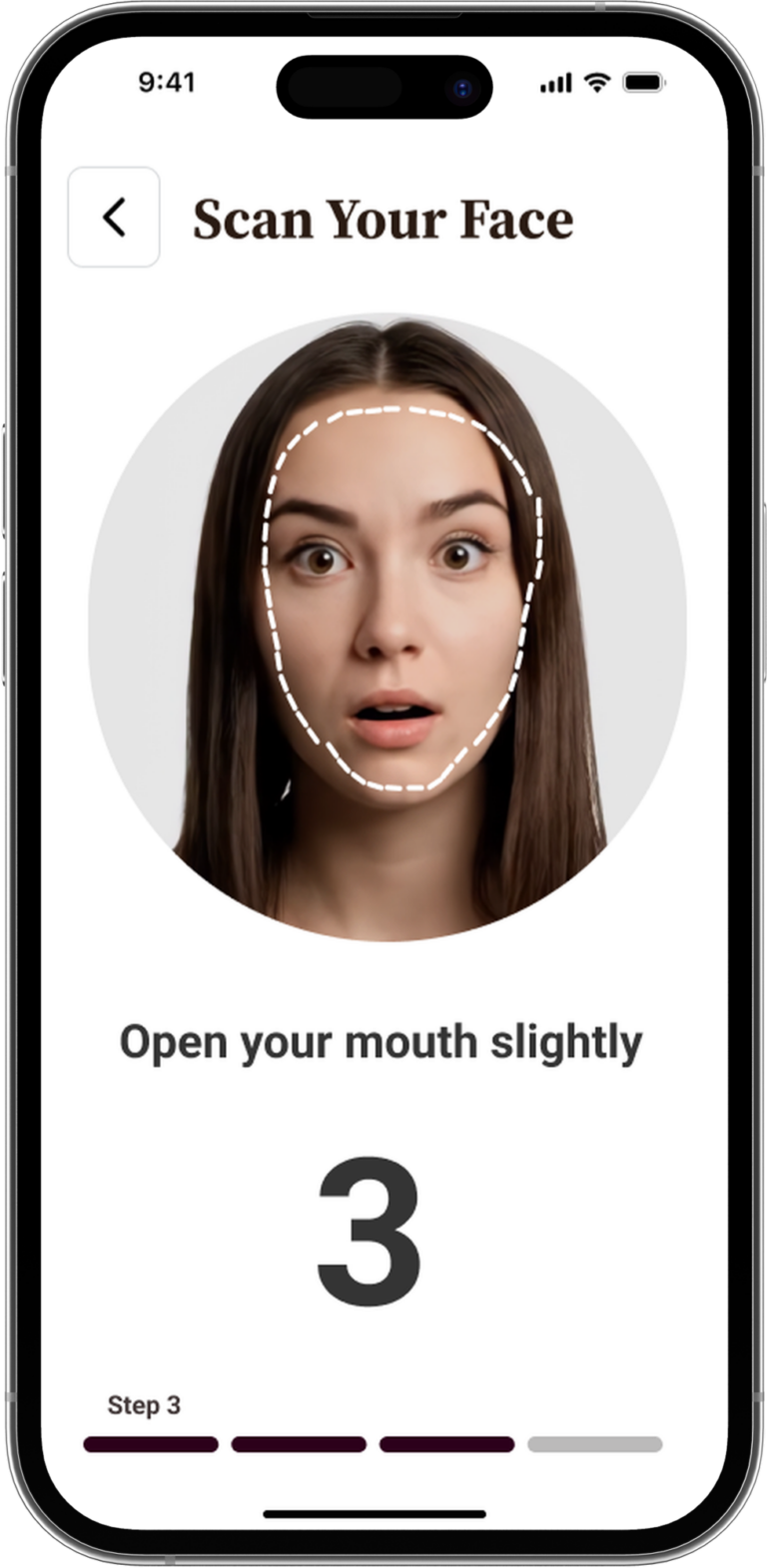
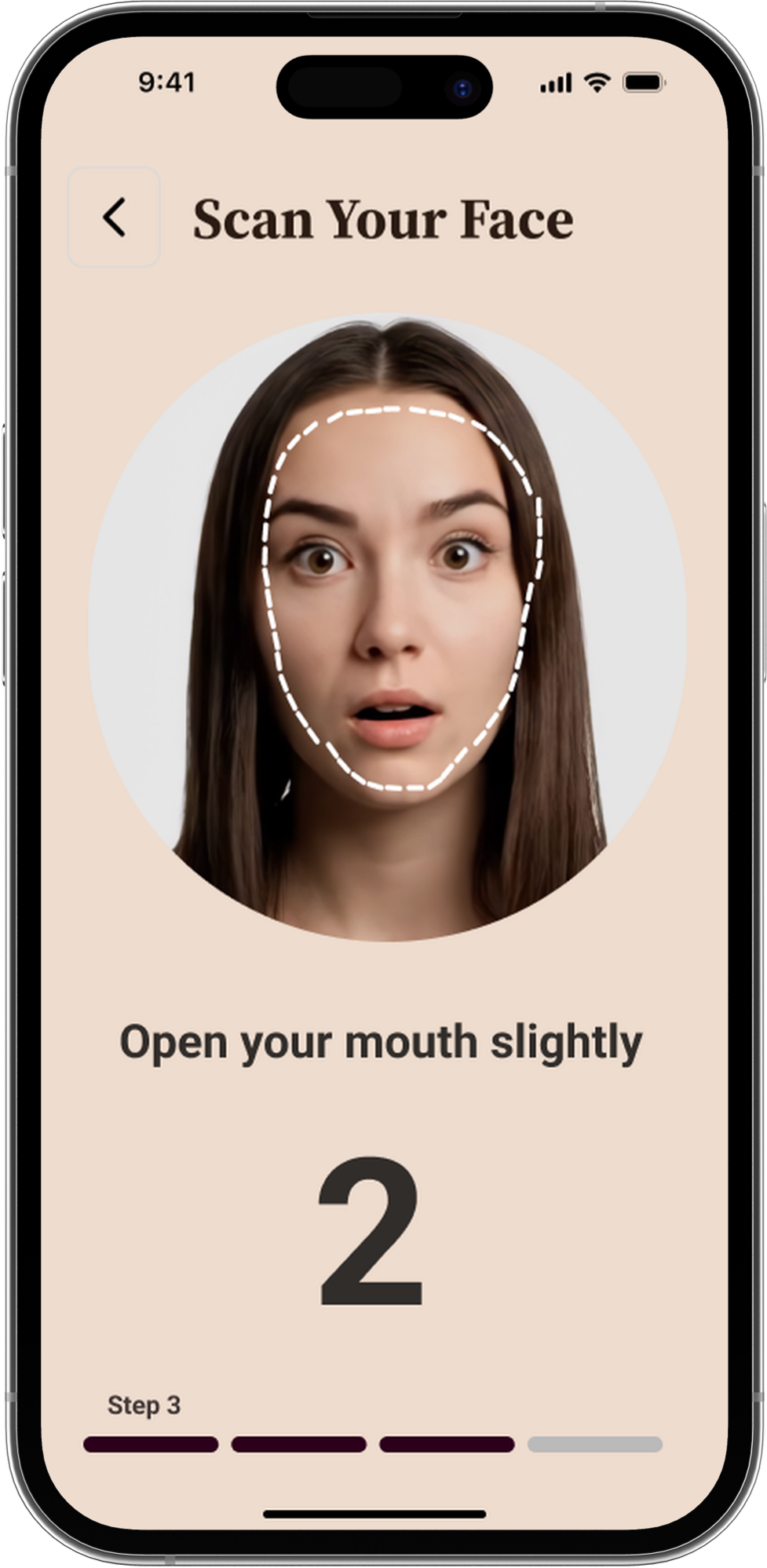
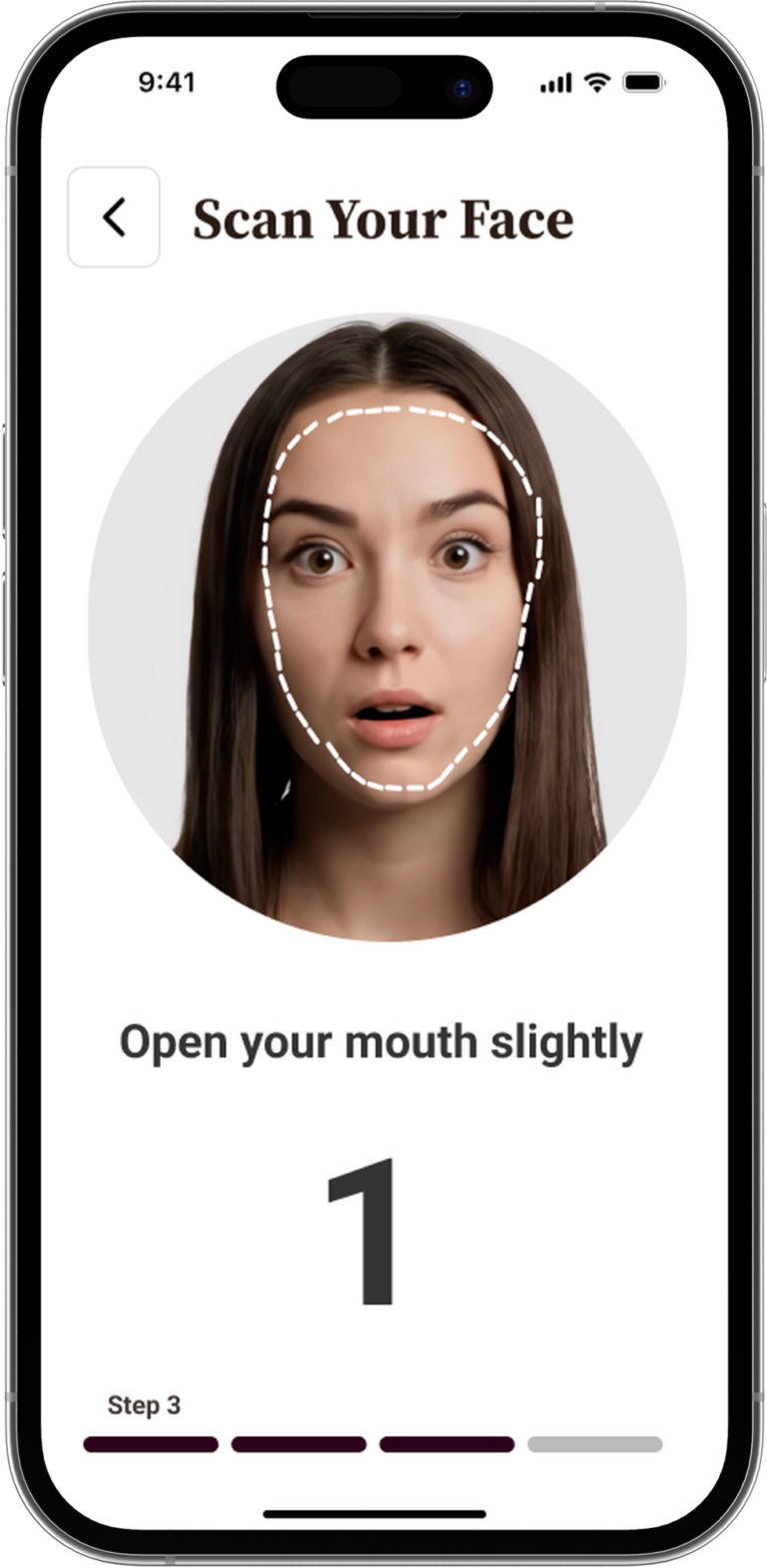
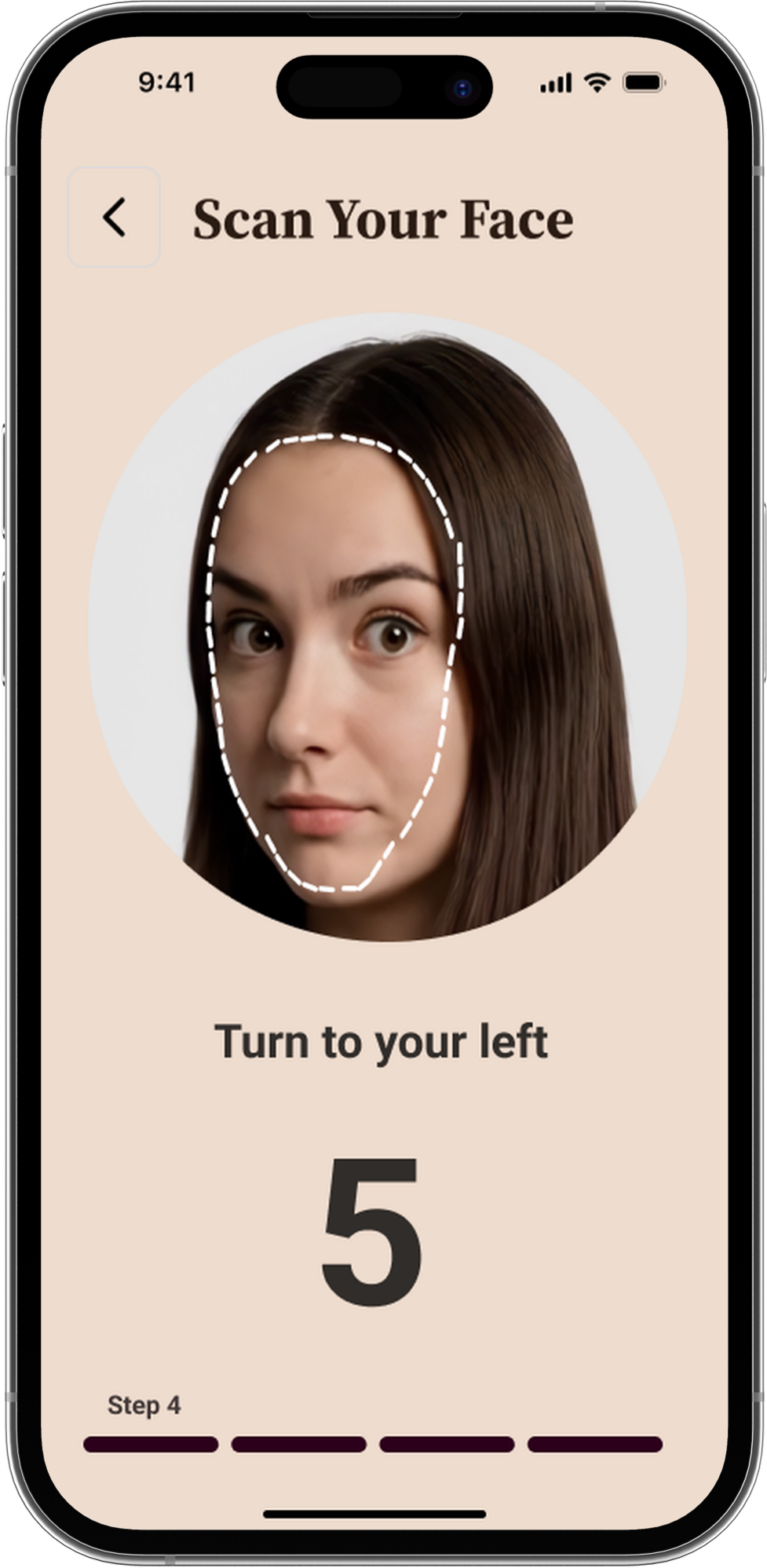
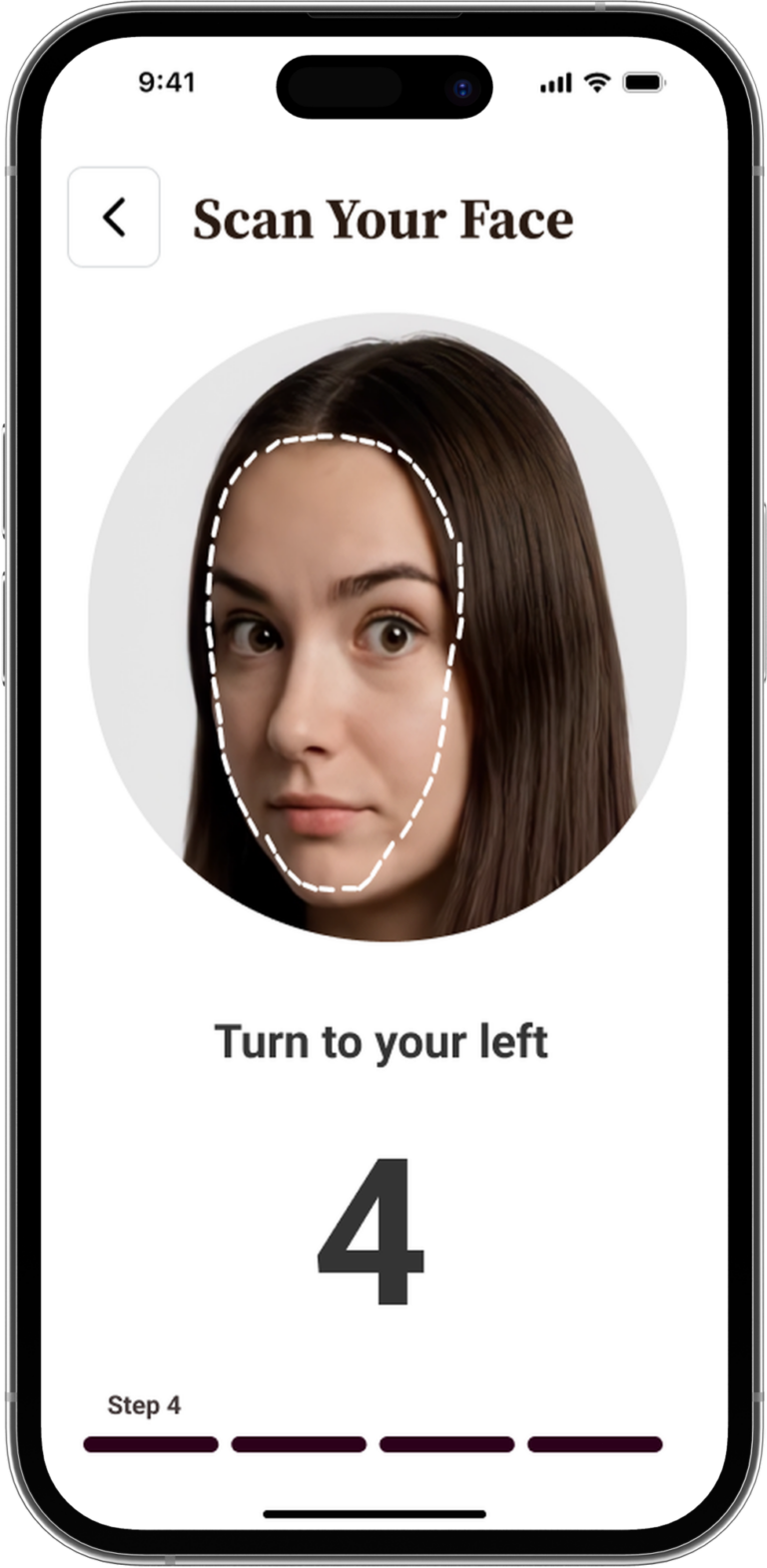
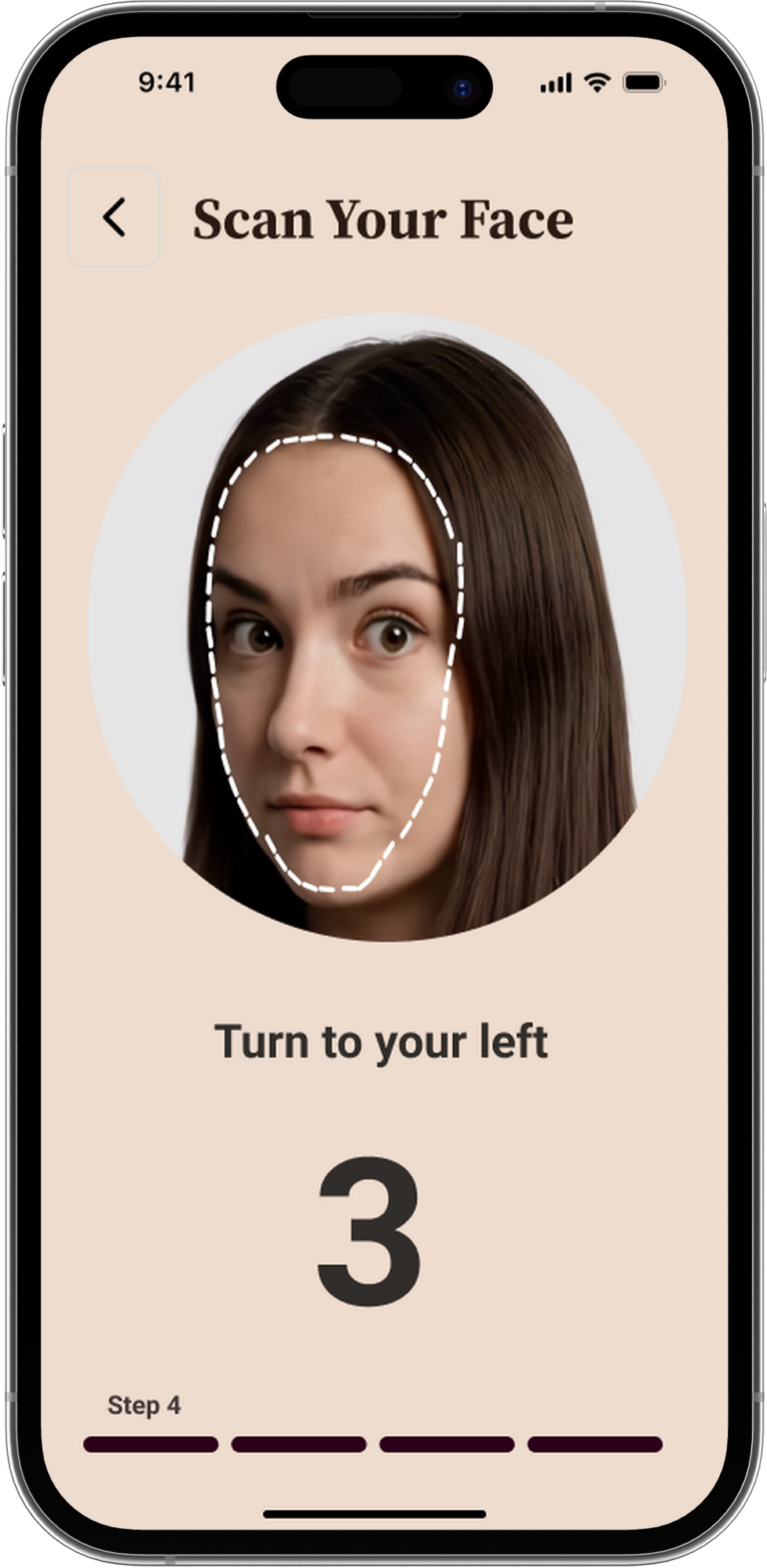
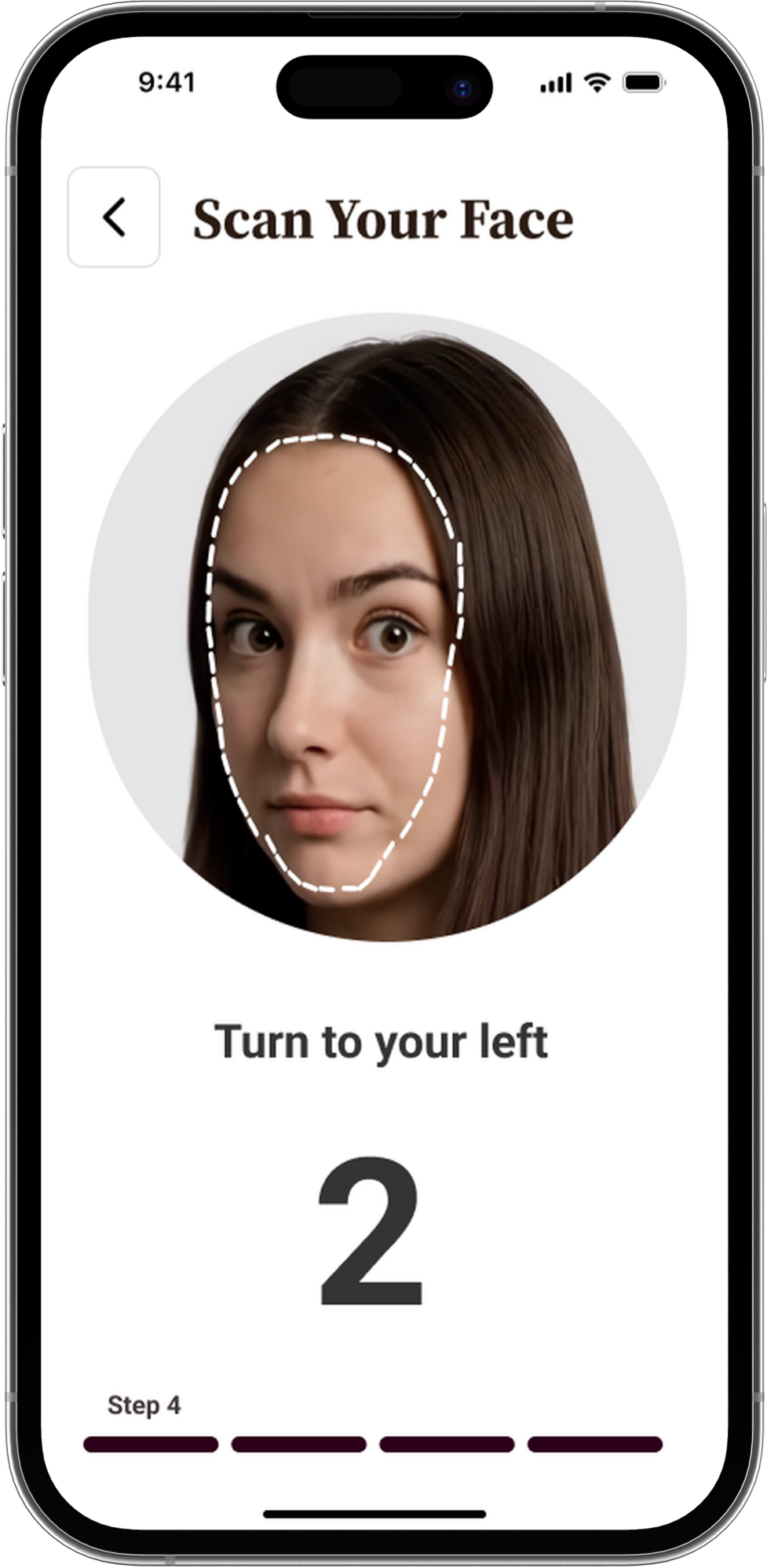
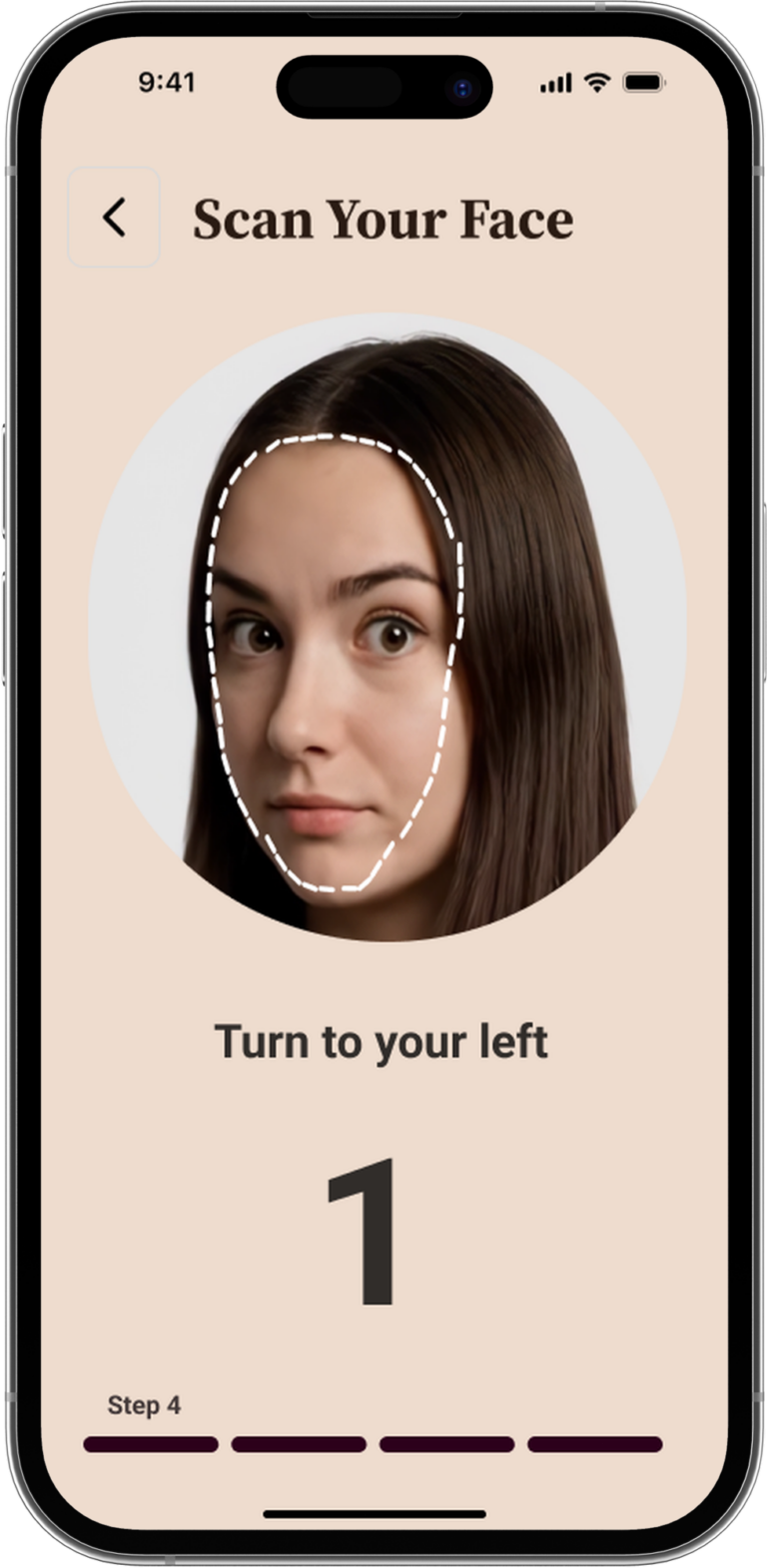
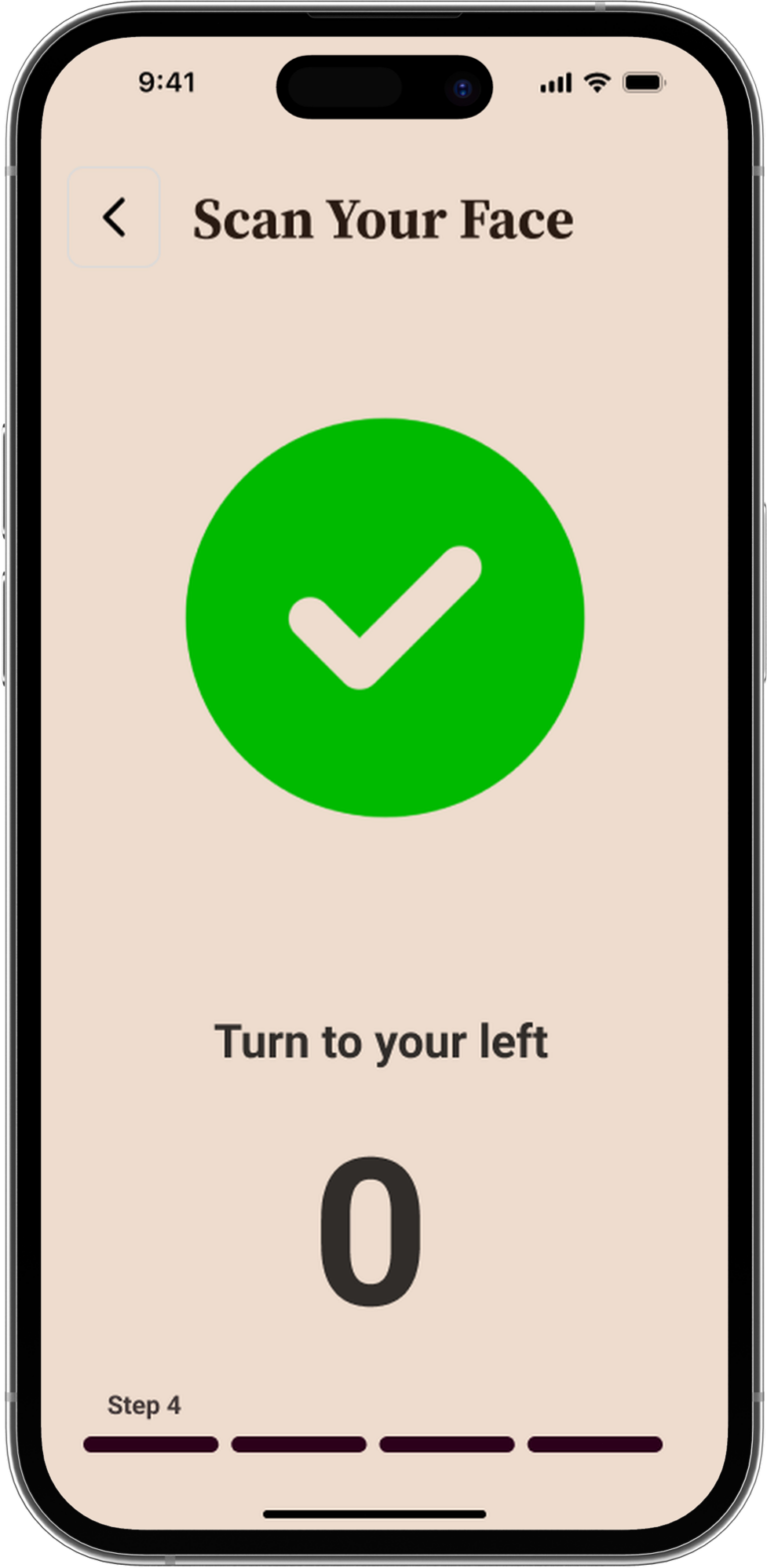
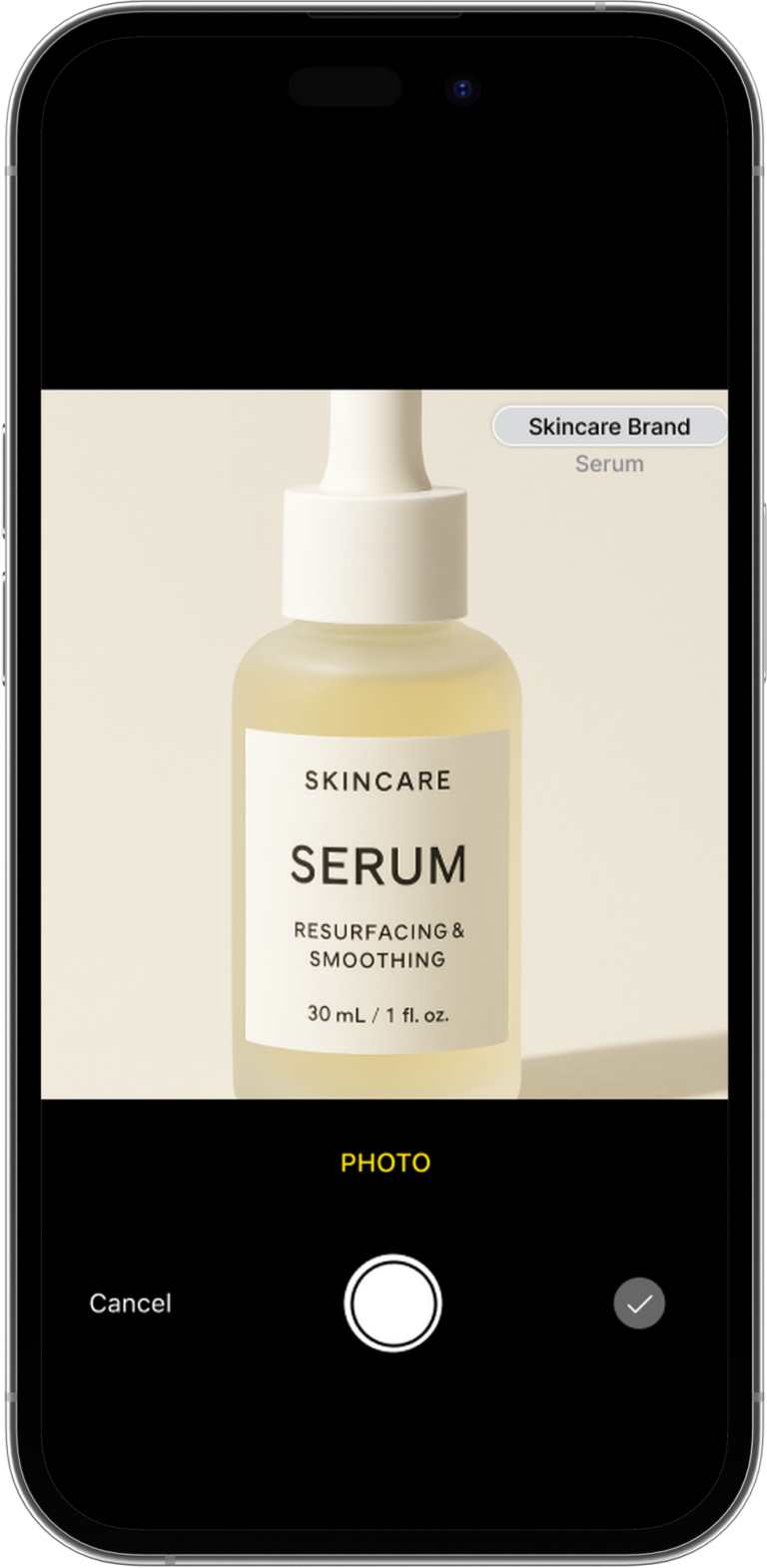
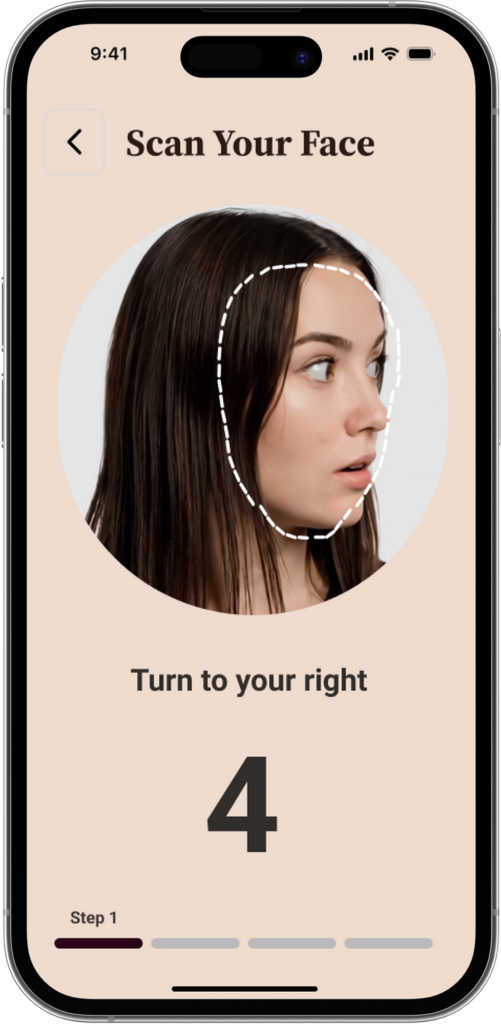
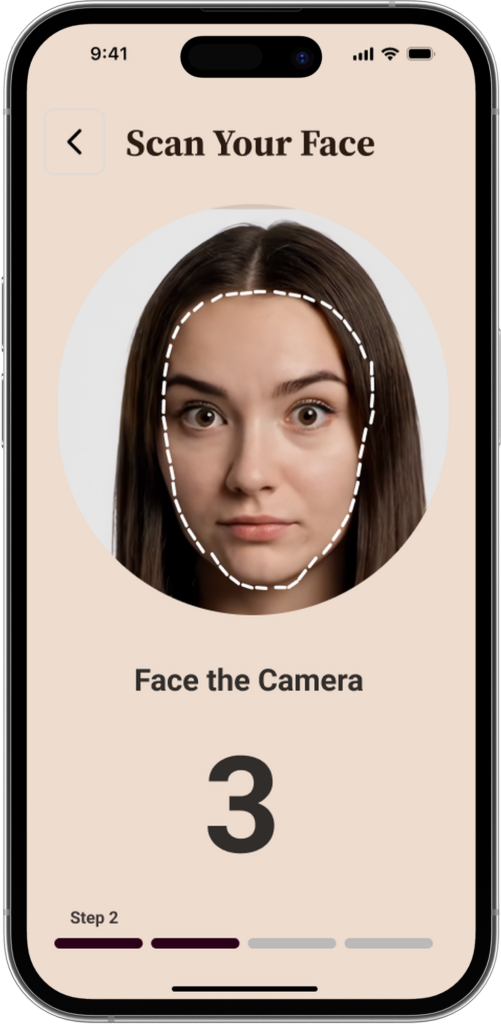
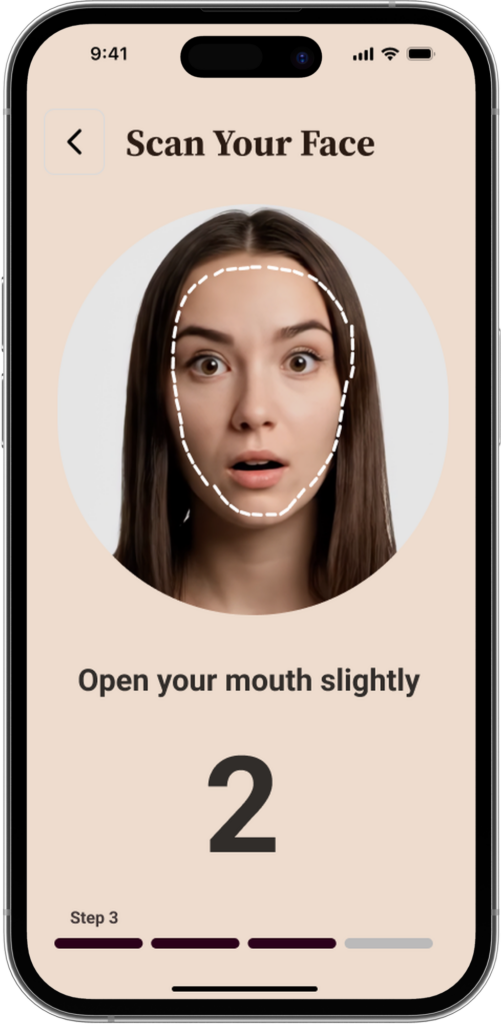
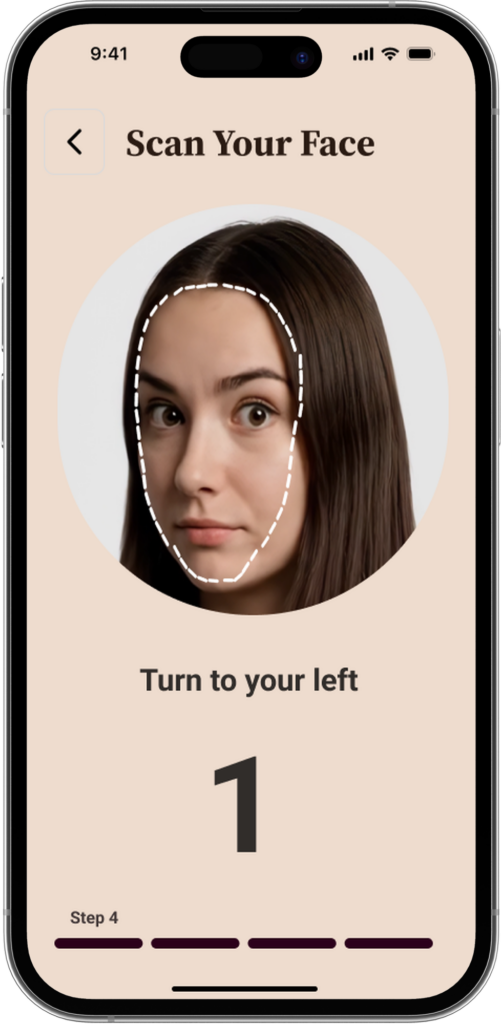
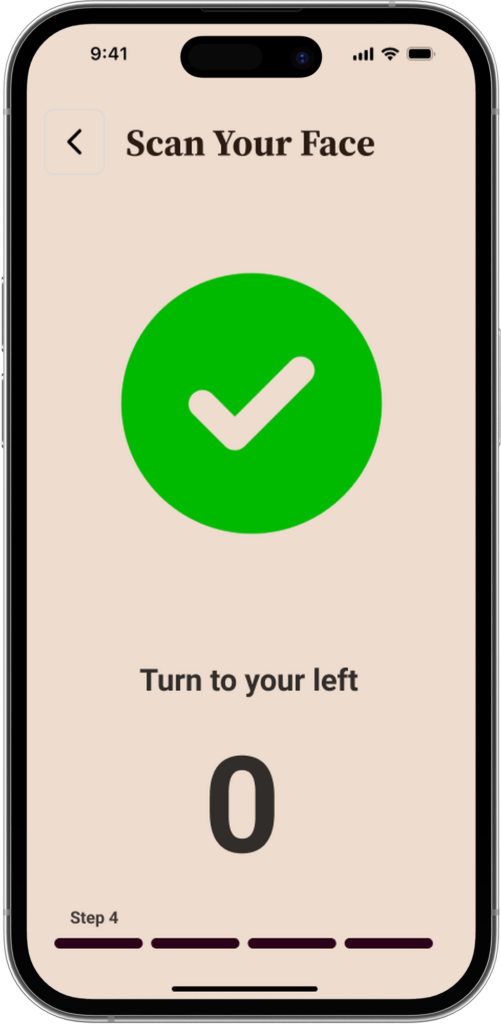
  • Guided scan flow (turning and face prompts) so users feel supported and the scan feels trustworthy rather than “mysterious.”
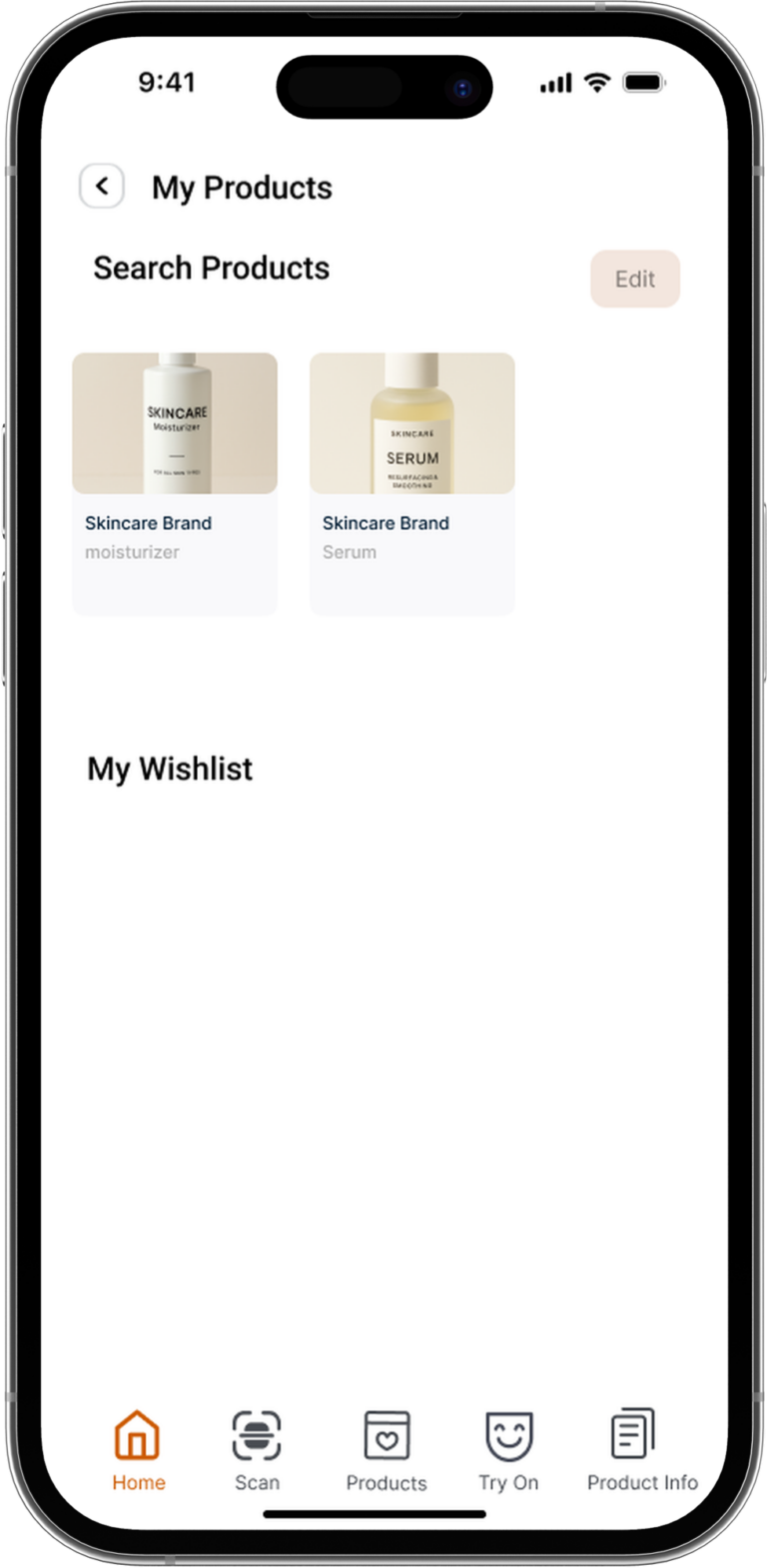
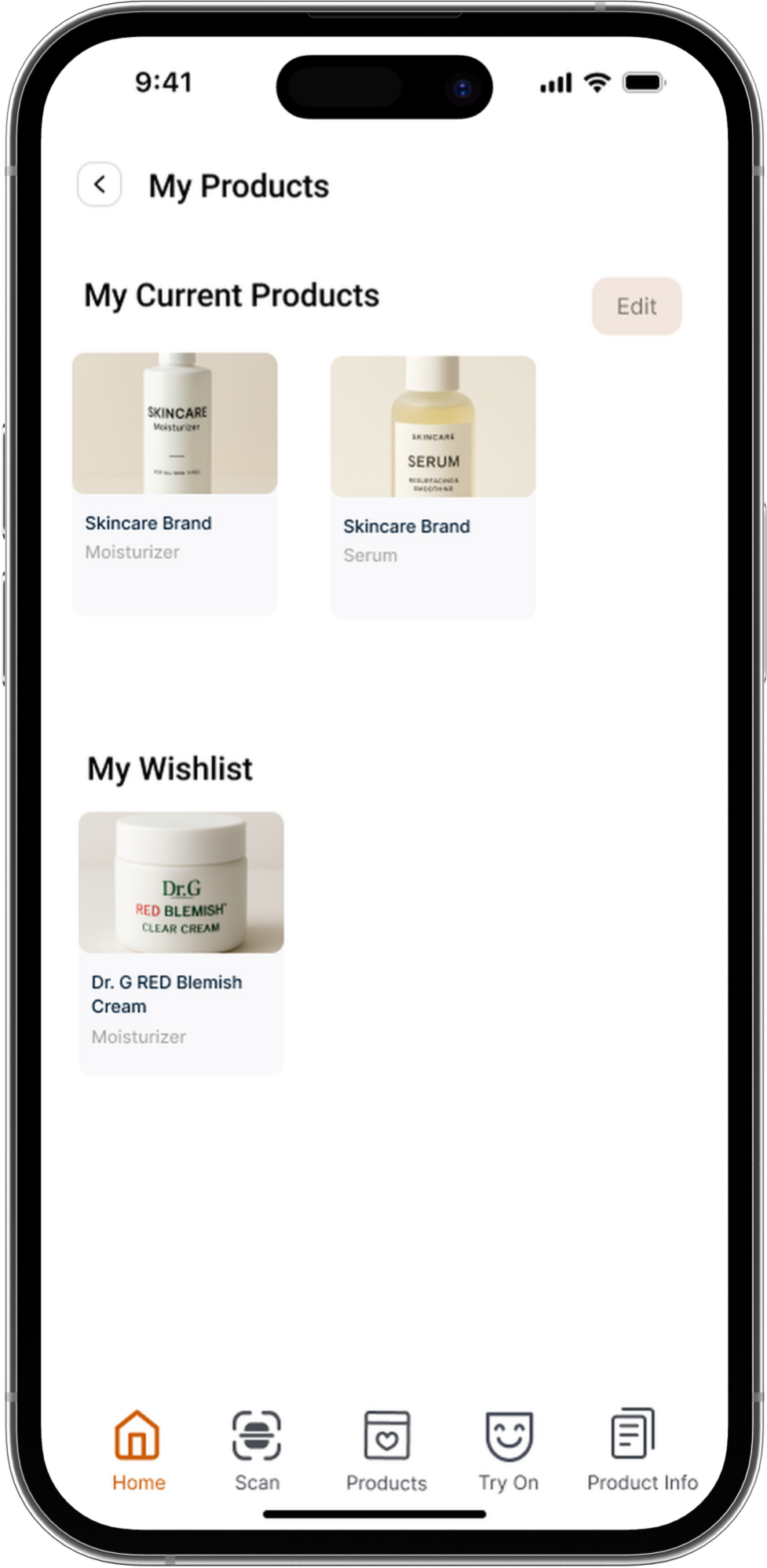
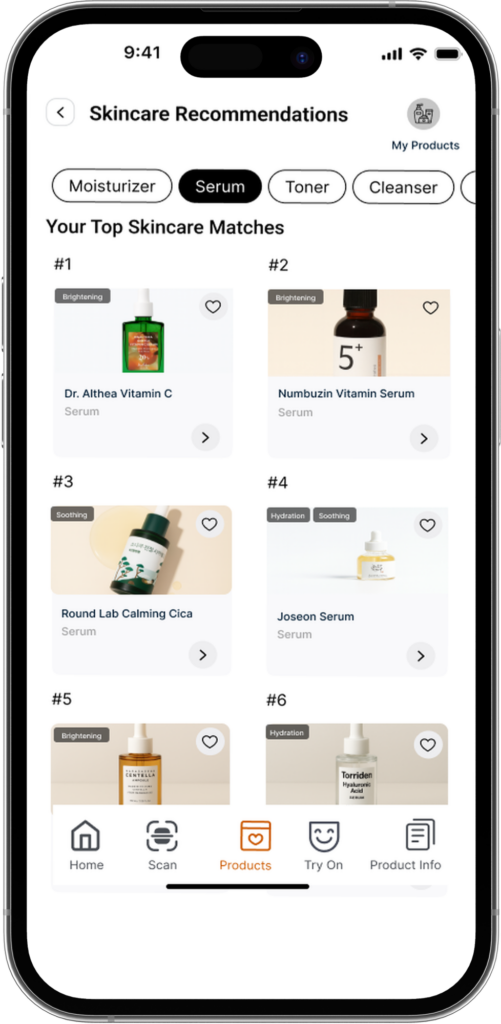
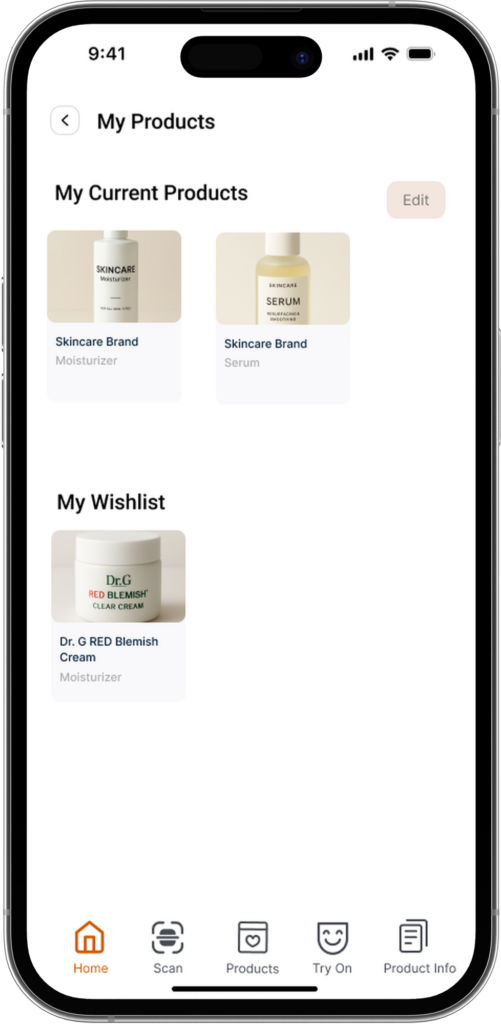
  • Product cards designed for comparison so users can scan choices quickly without being forced into deep reading.
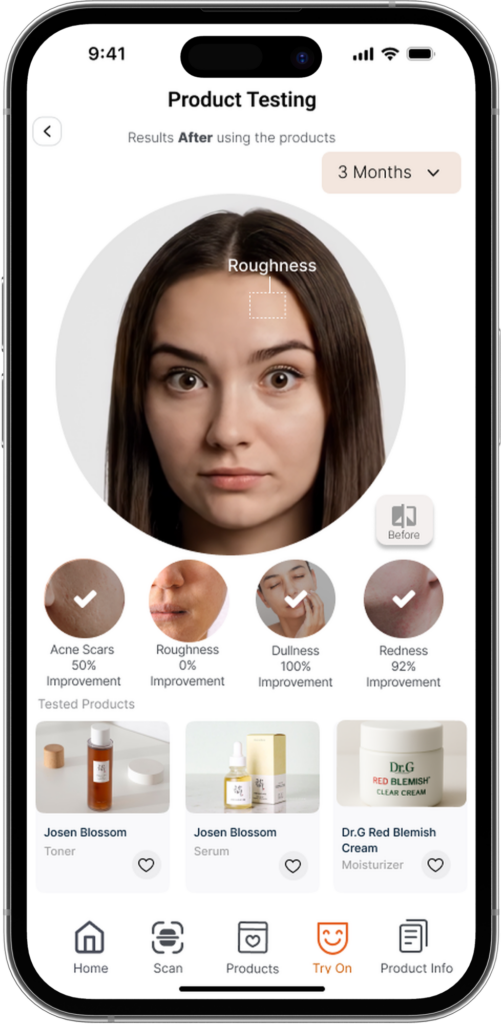
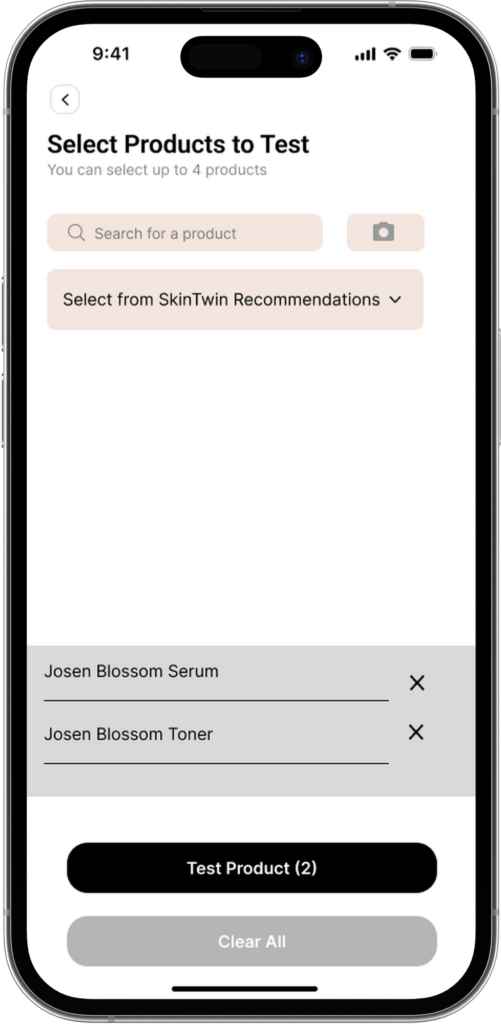
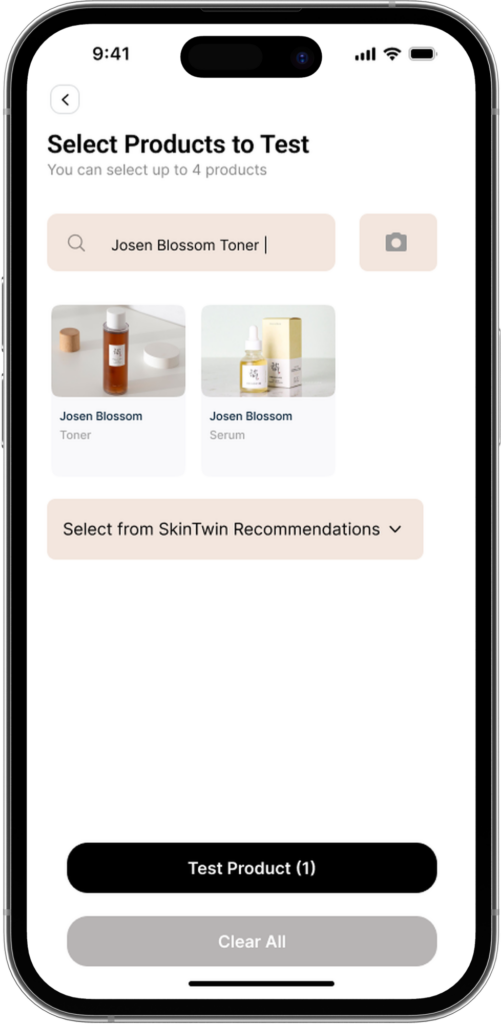
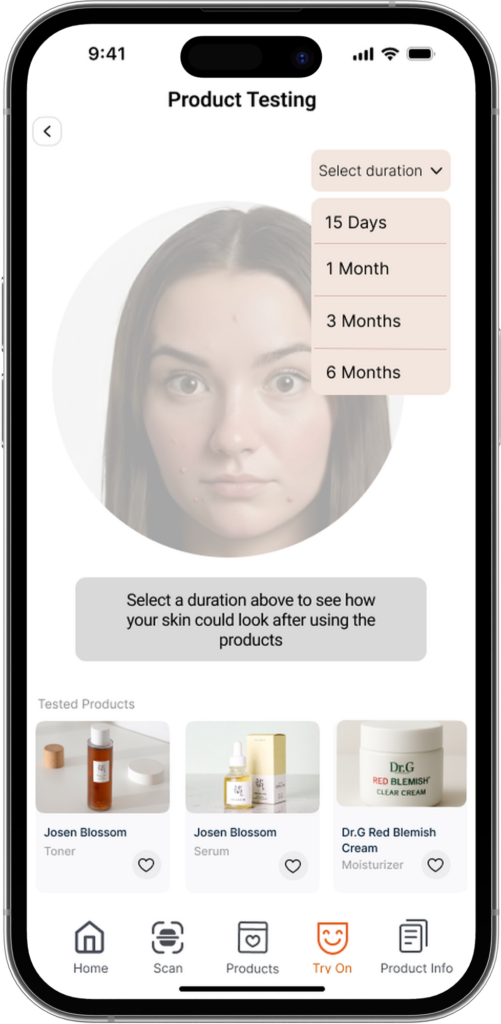
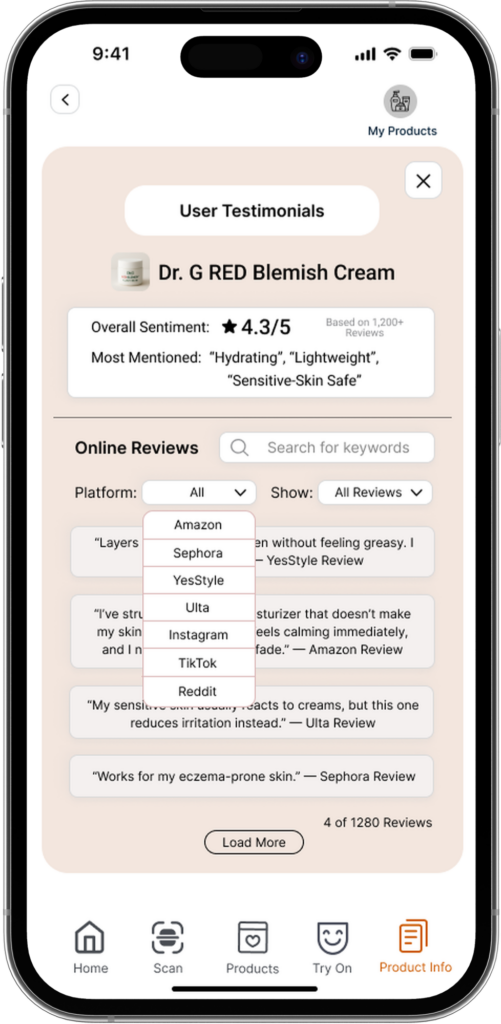
  • Structured simulation inputs (like drop-downs) to prevent errors and reduce “did it work?” confusion.
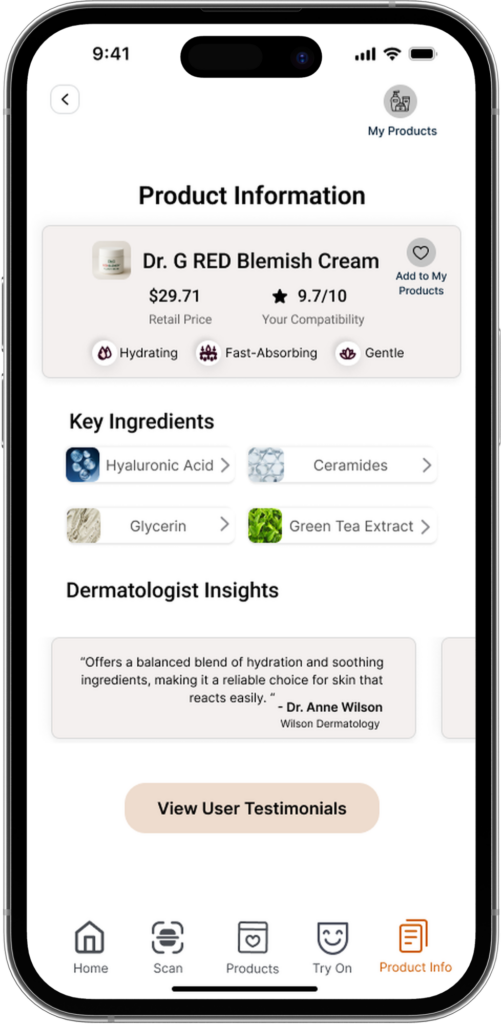
  • Clear progress and confirmation states so users always know what the system is doing and what happens next.
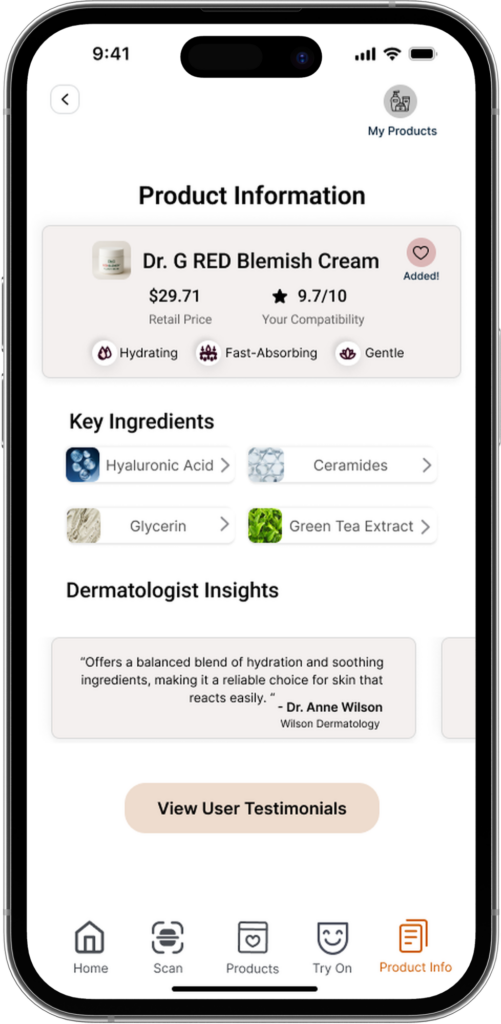
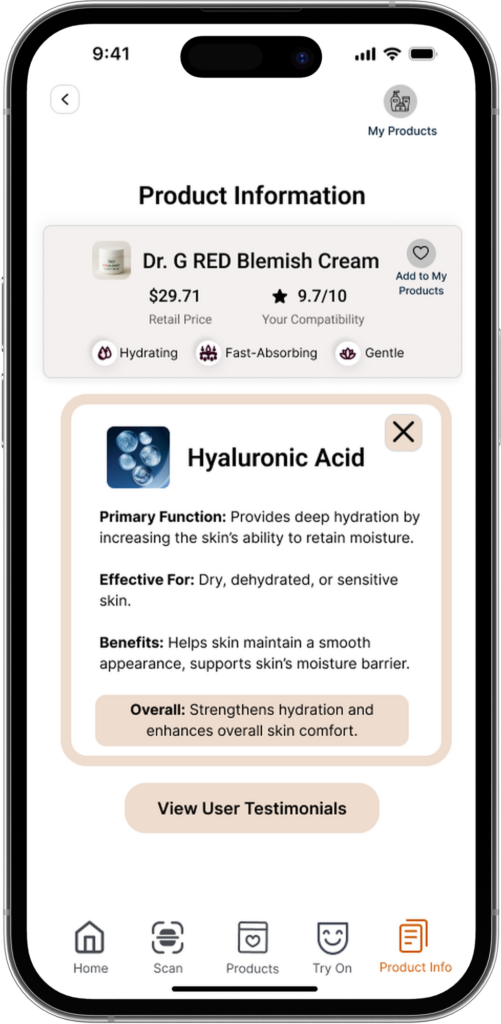
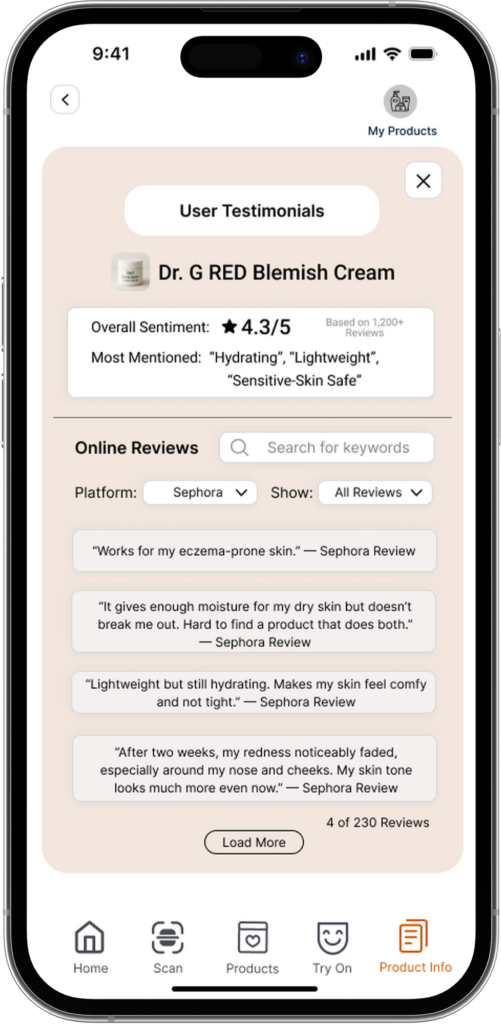
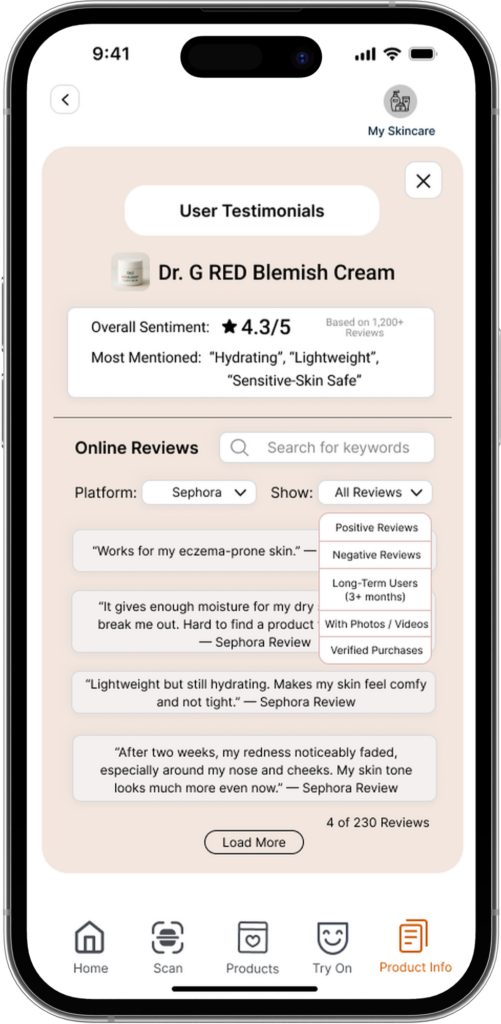
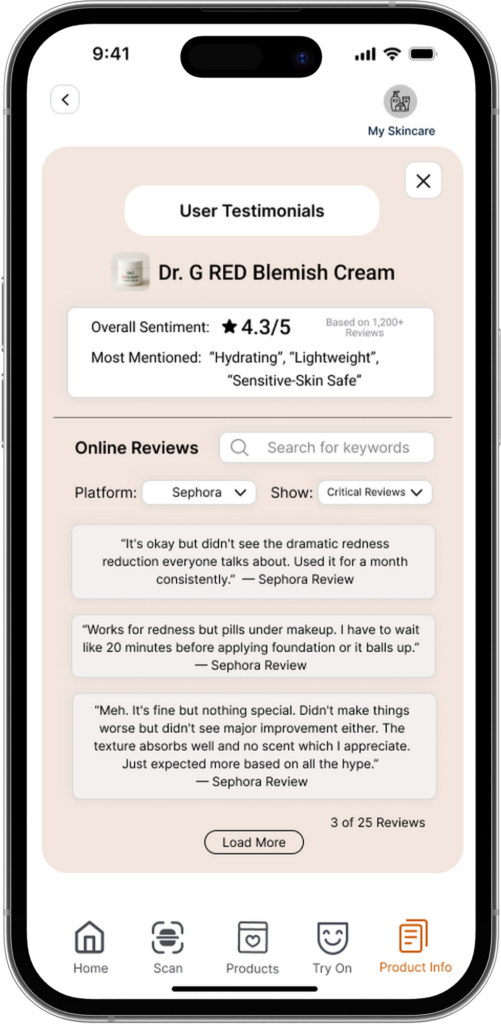
  • Report-style product pages that translate complexity into understandable reasoning (what it targets, why it fits, what to expect), because confidence comes from explanations, not just recommendations.
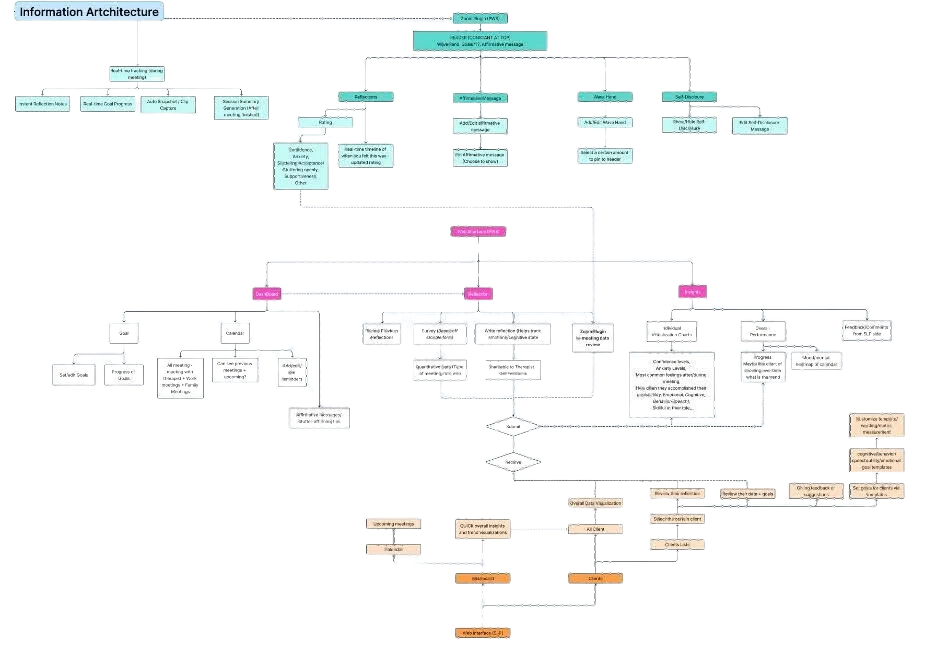
information architecture diagram
Detailed information architecture flowchart mapping the full site structure and navigation paths of the speech therapy dashboard and Zoom plugin

Product Recommendation

Product Try On

Product Information

Face Scan

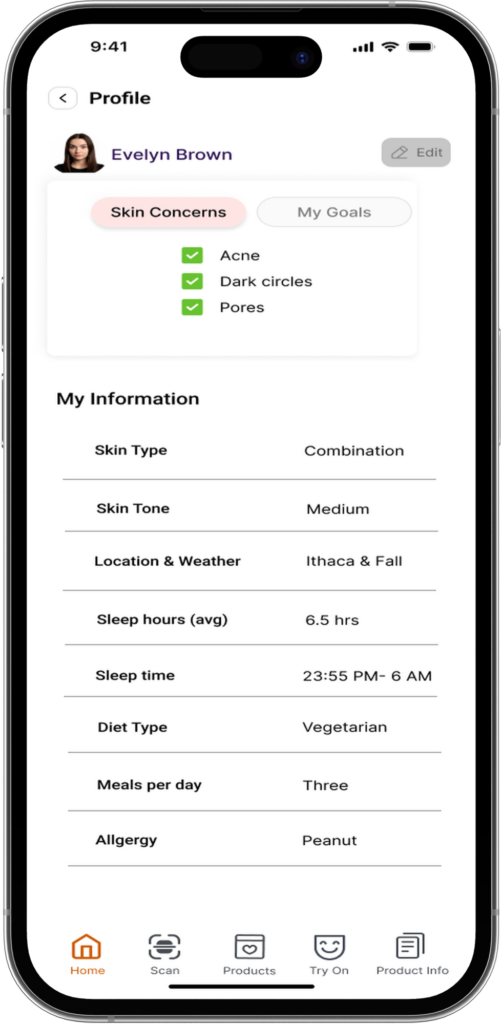
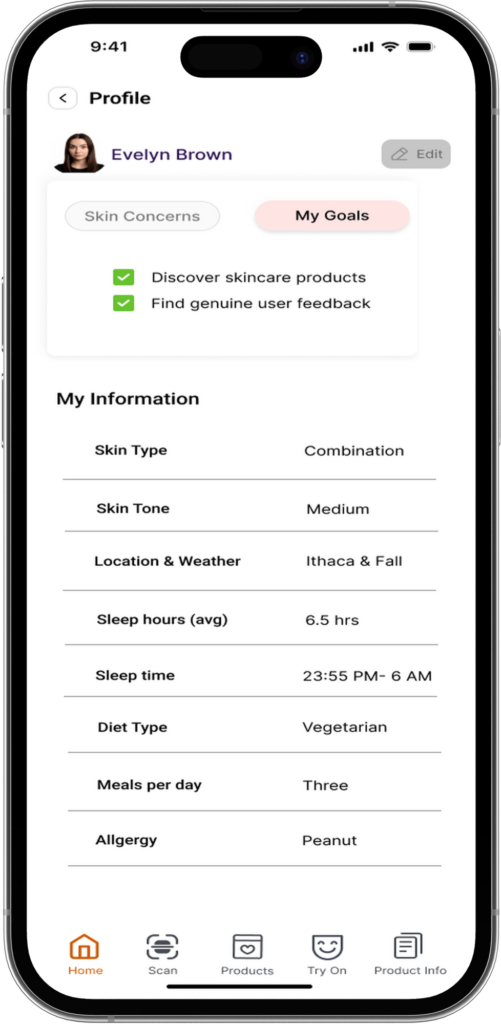
Home & Profile

Evaluation

Testing method

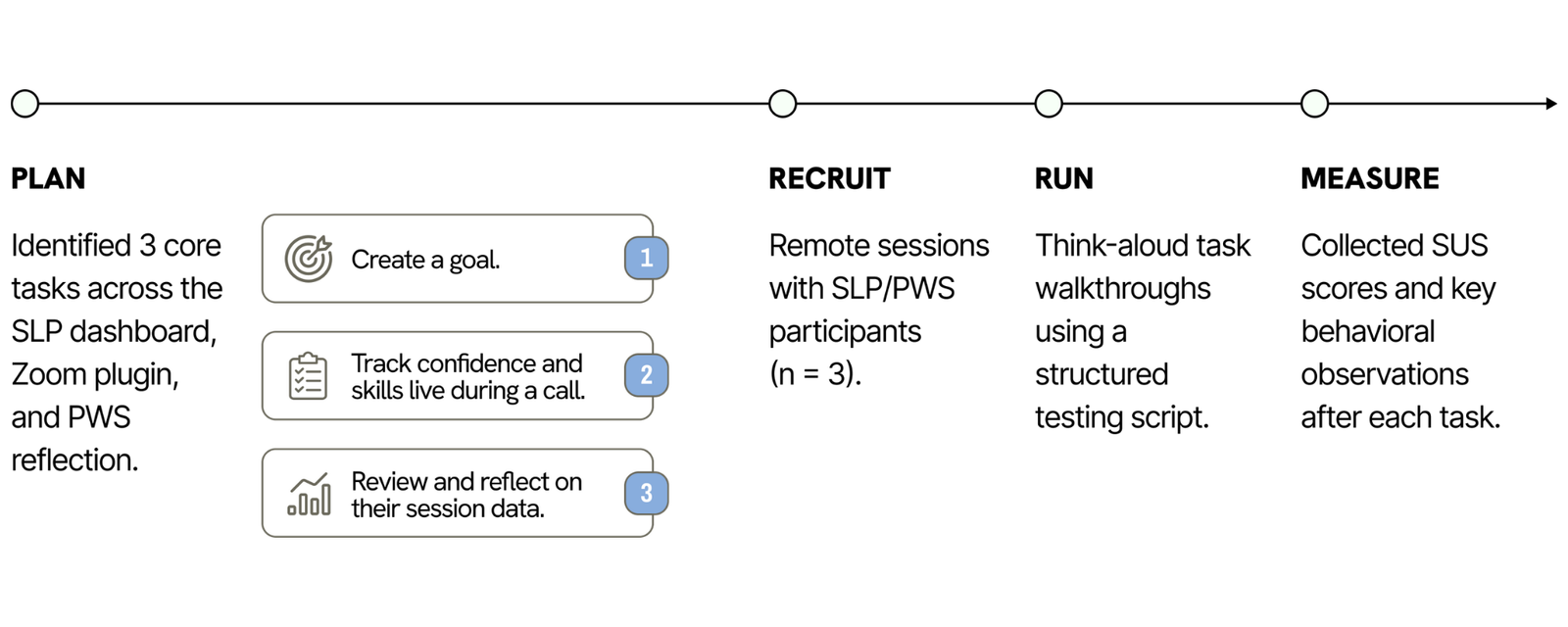
We conducted 10 usability testing interviews (5 for paper prototypes and 5 for high-fidelity digital prototypes) using a task-based think-aloud protocol. Participants completed realistic flows (profile setup, scanning, viewing concerns, browsing recommendations, trying simulation/try-on, and reviewing product info). We paired this with a heuristic evaluation to catch usability issues that users often feel but don’t articulate, like inconsistent labels or unclear system feedback.

Usability testing plan diagram outlining Plan, Recruit, Run, and Measure stages, including goal-setting, remote SLP/PWS sessions, think-aloud walkthroughs, and SUS score collection
Results

Users generally liked the idea and found the core flow valuable, but friction showed up where trust is fragile: clutter reduced confidence, unclear inputs created uncertainty, and some screens needed stronger wayfinding to help users stay oriented.

Design Solutions Evaluation matrix plotting proposed fixes like reflection privacy controls and onboarding by implementation complexity versus impact
Changes implemented
  • We reduced visual clutter and made product browsing more intuitive by making cards consistently clickable and simplifying repeated UI elements. 
  • We improved error prevention by replacing ambiguous inputs with structured controls.
  • We also strengthened system visibility by adding clearer progress indicators and confirmations, so users never felt unsure about what the system had done.